Provider deliverability · Proofpoint (secure email gateway)
Why is Proofpoint blocking my emails?

By Samuel Chenard · CEO & Co-Founder, Palisade · Reviewed September 19, 2026
Proofpoint refuses mail at two separate layers. Proofpoint Dynamic Reputation rejects your sending IP at the connection with 550 5.7.1 Email rejected because 1.2.3.4 is listed by Proofpoint.com. Everything else is the recipient organization's own gateway policy, applied at their tenant: it can reject at SMTP time naming their domain or a policy rather than Proofpoint.com, or quarantine the message silently with no response at all.
The 30-second check
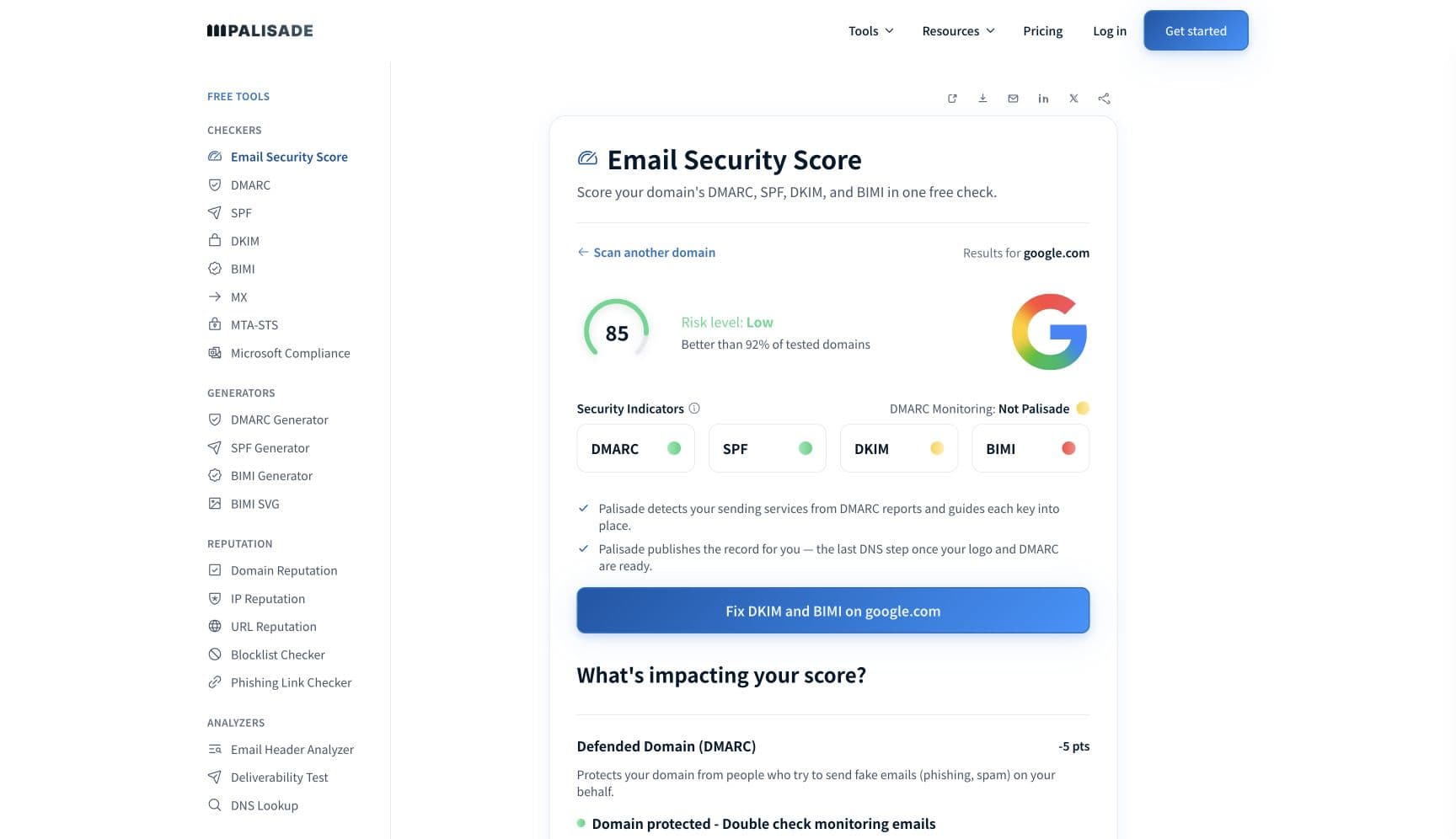
Start with the sending IP, not the domain. Proofpoint states that Dynamic Reputation blocks on spam seen from an IP and nothing else: "We do not delay or block based on a particular domain or bulk email or for any reason other than we are receiving spam from the IP." The free checker below reads your IP's blocklist status and its reverse DNS record in about thirty seconds.
Run the check now
Enter the sending IP or your sending domain and the check runs instantly on the next page. Free, no signup.
Why Proofpoint is blocking your email
| Likely cause | What's happening |
|---|---|
| Proofpoint Dynamic Reputation has your sending IP delayed or blocked | PDR is an IP reputation list, and Proofpoint's own FAQ says an IP is delayed or blocked "because we have indications that messages scoring as spam or virus are being received from the IP". It "uses hundreds of features to determine the reputation of a particular IP", and features indicating "that an IP is sending spam, and is not an actual mail server for a legitimate company" push it onto the list. The bounce names Proofpoint.com and your IP. |
| Something else on your IP or your provider's IP is sending spam | PDR judges the IP, so a shared sending service, an infected machine on your network, or a compromised mailbox behind the same address is enough. Proofpoint's guidance is explicit about both cases: on a shared email service, "if they do not scan outbound email, it is possible that anyone on their service can knowingly or unknowingly send spam and cause everyone to get blocked", and on your own server you need outbound mail protection. |
| The recipient's own Proofpoint gateway classified your message | This is a completely different decision from PDR and it happens at the recipient's tenant. Proofpoint's Email Protection data sheet says its classifier "dynamically classifies a wide variety of emails. This includes impostor, phishing, malware, spam, bulk mail, adult content and circle of trust. And it quarantines incoming email by types." Legitimate marketing mail commonly lands in the bulk class rather than in a spam verdict. |
| A rule in the recipient's email firewall refused you specifically | Proofpoint lets the receiving organization "create highly customizable email firewall rules at the global, group and user level", plus "any security policies and mail routing rules that fit your needs". A single blocked sender or blocked domain entry looks identical to a reputation problem from your side, but nothing you change in DNS will move it. |
| Your domain fails the authentication checks the gateway enforces | Proofpoint's DMARC reference states that "an organization can ensure that its secure email gateway enforces the DMARC policy implemented by the domain owner". If your own domain publishes p=quarantine or p=reject and the sending service you are using is not covered by your SPF record or is not signing with an aligned DKIM key, a Proofpoint gateway can act on your own policy against you. |
| Generic reverse DNS on the sending IP | Proofpoint tells senders that if "your email server's reverse DNS pointer is controlled by your ISP, ask that it reflect your mail server's host name". A PTR record left at the ISP default is one of the signals that separates a real mail server from a machine that only looks like one. |
Check the public signals before changing settings
The free check above gives you a fast public baseline for how Proofpoint sees your mail. It does not replace the provider's private reputation or placement data, but it tells you whether the problem is visible from outside before you edit a sending platform.
How to fix it, step by step
Find the IP in the bounce and check it
Proofpoint says the address is in the rejection message: "The IP address is a series of four numbers separated by dots (like '1.2.3.4') and is normally visible in the mail rejection message you received." Run that IP through the free checker above, or open the IP reputation checker page directly, which also shows its reverse DNS record.
Look the IP up in Proofpoint's own Dynamic Reputation tool
Proofpoint publishes a lookup at ipcheck.proofpoint.com that tells you whether the IP is currently delayed, blocked, or clear. The status is live, so an IP that fluctuates will not show you the decision that produced yesterday's bounce.
Read the last line of the bounce before changing anything
If it names Proofpoint.com and an IP address, it is PDR and the repair is on your sending infrastructure. If it names the recipient's domain, a policy, or a quarantine, it is that organization's gateway and no DNS change will lift it.
Stop whatever is sending spam, then file the removal request
Proofpoint asks for the recipient of the blocked email and the type of mail, and says "If you are aware of any recent problems on your network (e.g. you have just removed an infected computer), include that in your request". It states "We strive to review submitted reports within one business day."
Give the sending IP a reverse DNS record that names your mail host
Ask whoever controls the PTR record to point it at your mail server's own hostname rather than a generic ISP string. This is Proofpoint's published advice for keeping an IP off the list once it clears.
Make sure your own DMARC policy is not the thing rejecting you
Check the domain in your From address at the DMARC checker. If you publish quarantine or reject and one of your sending services is missing from SPF or signing DKIM with a different domain, a gateway enforcing your policy will refuse that mail. Fix the sender, do not weaken the policy.
For a tenant policy block, ask your contact inside the company
Proofpoint's administrator documentation sits behind a customer sign-in, so you cannot read the recipient's rules or their gateway logs yourself. Their mail admin can search the message and see the exact verdict, which is faster than any external test.
Related free tools: Blocklist checker · Email header analyzer · Check your DMARC record · Domain reputation
If you send in volume: what Proofpoint publishes instead of sender rules
Proofpoint is a secure email gateway, not a mailbox provider, and it publishes no bulk-sender requirements of its own. It publishes the opposite for the IP layer: its PDR FAQ states "We do not delay or block based on a particular domain or bulk email or for any reason other than we are receiving spam from the IP." So volume alone does not get an IP listed. Bulk mail does matter one layer up, at the recipient's tenant: Proofpoint's Email Protection data sheet lists bulk mail as one of the classes its classifier assigns and says the product "quarantines incoming email by types". Proofpoint does not publish a complaint-rate ceiling, a volume threshold, or a warm-up schedule for senders. Checked 2026-09-02.
Check your standing with Proofpoint
- Dynamic Reputation IP Lookup (ipcheck.proofpoint.com)
Proofpoint's own lookup for whether an IP is delayed, blocked, or clear, and the entry point for a removal request. It reports current status, not history.
- PDR IP Lookup Frequently Asked Questions
What PDR blocks on, what it explicitly does not block on, what information a removal request needs, and Proofpoint's one-business-day review target.
- Proofpoint support portal
Requires a customer sign-in. Useful only if you or the recipient organization are Proofpoint customers; a sender cannot read the receiving tenant's policy from outside.
Bounce codes you may be seeing
A block from Proofpoint surfaces as a specific SMTP code. Some lists below also carry codes returned by the systems receiving your mail; each line names its issuer. Match yours below; where a code has a full guide, it is linked.
- 550 5.7.1 Email rejected because 1.2.3.4 is listed by Proofpoint.com: Proofpoint's own published example of a PDR rejection, with your sending IP in place of 1.2.3.4 Full guide →
- A temporary deferral with no Proofpoint URL and no listing text: PDR's delay state, which Proofpoint says clears by itself, "usually within a few minutes"
- A rejection naming the recipient's domain or a policy rather than Proofpoint.com: the receiving organization's gateway rules, not PDR Full guide →
The real root cause: unenforced authentication
Proofpoint splits the problem in a way most triage advice does not. A PDR listing is an infrastructure verdict on one IP address, and no DNS record clears it; you clean the source and ask for removal. Every other Proofpoint block is a policy verdict made by the receiving organization on the identity your message carried, and that is where authentication decides the outcome. A gateway that enforces the domain owner's DMARC policy is reading a statement you made about your own domain. If that statement is p=none, you have asked every Proofpoint tenant to deliver and report rather than act, so a gateway has nothing to enforce and a spoof of your domain is not refused on your instruction. Proofpoint calls the belief that p=none protects you a myth, and recommends it only as a starting point. If it is p=reject while one of your sending services is unaligned, you have told them to refuse mail you actually sent. The work is the same either way: find every service sending as your domain in aggregate reports, authenticate each one with SPF and an aligned DKIM signature, then move the policy up deliberately so the answer a gateway gets is the one you meant to give.
DMARC software that does the work
Palisade's AI agent takes domains all the way to enforcement: hosted SPF, DKIM, DMARC, and MTA-STS records on paid plans, DMARC reports monitored continuously, and every policy step drafted for your approval on the way to p=reject. The full product is open for a 15-day trial, and nothing is charged until it ends.
15-day full-product trial. Nothing is charged until it ends.
Fixing this across every client domain
Proofpoint sits in front of a lot of the enterprises your clients sell to, and a gateway block reaches you as "our email to that customer bounced" with no way to see the other side. Palisade gives you the half you can control across the whole portfolio: hosted and managed SPF, DKIM, DMARC, and MTA-STS records for every client domain, aggregate reports read so each sending service is named rather than guessed at, and a path to p=reject with your team approving every change. Native ConnectWise, HaloPSA, and Autotask integrations put it in your PSA, pricing is per client domain with rates that improve as the portfolio grows, and your own MSP domain is a free NFR domain to prove the process on first.
Questions readers ask
Frequently asked questions
What does "listed by Proofpoint.com" mean in a bounce?
550 5.7.1 Email rejected because 1.2.3.4 is listed by Proofpoint.com. The four numbers in that message are the IP to look up and to clean up. Nothing about your domain is being judged.How do I get my IP removed from Proofpoint's block list?
Does Proofpoint block emails for being bulk or marketing?
How long does a Proofpoint block last?
Why is Proofpoint blocking my emails to one company but not others?
Can I see why the recipient's Proofpoint gateway blocked my email?
Will fixing SPF, DKIM and DMARC clear a Proofpoint Dynamic Reputation block?
Sources and last verified
Every claim about Proofpoint on this page links to the source it came from, each with the date it was last checked. Provider policies change; if a detail looks off, the linked source is authoritative.
- Proofpoint Dynamic Reputation: an IP is delayed or blocked "because we have indications that messages scoring as spam or virus are being received from the IP"; "We do not delay or block based on a particular domain or bulk email or for any reason other than we are receiving spam from the IP"; PDR "uses hundreds of features to determine the reputation of a particular IP" and features indicating "that an IP is sending spam, and is not an actual mail server for a legitimate company" cause a listing; a delayed IP clears automatically "usually within a few minutes"; a blocked IP "will be blocked and remain blocked" until it stops sending spam; removal requests should include the recipient, the type of mail, and any recent network problem; "We strive to review submitted reports within one business day"; the published rejection example is "550 5.7.1 Email rejected because 1.2.3.4 is listed by Proofpoint.com"; reverse DNS advice: ask that a PTR controlled by your ISP "reflect your mail server's host name"www.proofpoint.com · checked 2026-09-02
- Proofpoint's Dynamic Reputation IP Lookup is the public tool for checking whether an IP is blocked or delayed: "Dynamic Reputation leverages Proofpoint's machine-learning driven content classification system to determine which IPs may be compromised to send spam (i.e. part of a botnet)", and Proofpoint states "We do not intend to delay or block legitimate email that our customers are expecting"ipcheck.proofpoint.com · checked 2026-09-02
- Proofpoint Email Protection classification and policy at the receiving tenant: it "uses dynamic reputation analysis to continually assess local and global IP addresses to determine whether to accept email connections"; its classifier "dynamically classifies a wide variety of emails. This includes impostor, phishing, malware, spam, bulk mail, adult content and circle of trust. And it quarantines incoming email by types"; it "allows you to create highly customizable email firewall rules at the global, group and user level" and "any security policies and mail routing rules that fit your needs"; the email warning tag surfaces risk to userswww.proofpoint.com · checked 2026-09-02
- Proofpoint on DMARC enforcement by a receiving gateway: "an organization can ensure that its secure email gateway enforces the DMARC policy implemented by the domain owner"; p=none delivers and logs, p=quarantine sends failures to the spam folder, p=reject blocks failing mail outrightwww.proofpoint.com · checked 2026-09-02
- Proofpoint's administrator documentation is not publicly readable: every help.proofpoint.com article requested anonymously returns the Proofpoint sign-in page, so a sender cannot read a recipient organization's gateway policy or logshelp.proofpoint.com · checked 2026-09-02
Related guides
550 5.7.1554 5.7.1421 4.7.0p=rejectadkim / aspfip4: