Provider deliverability · Fastmail
Why are my emails going to spam in Fastmail?

By Samuel Chenard · CEO & Co-Founder, Palisade · Reviewed September 19, 2026
Fastmail scores every inbound message on SPF, DKIM, DMARC and ARC, and a failing or missing check raises the spam score rather than bouncing the mail. So a domain with weak authentication, a new or poorly regarded domain, or promotional content lands in the recipient's Spam folder silently. Fastmail states it does "not outright reject mail" on these checks.
The 30-second check
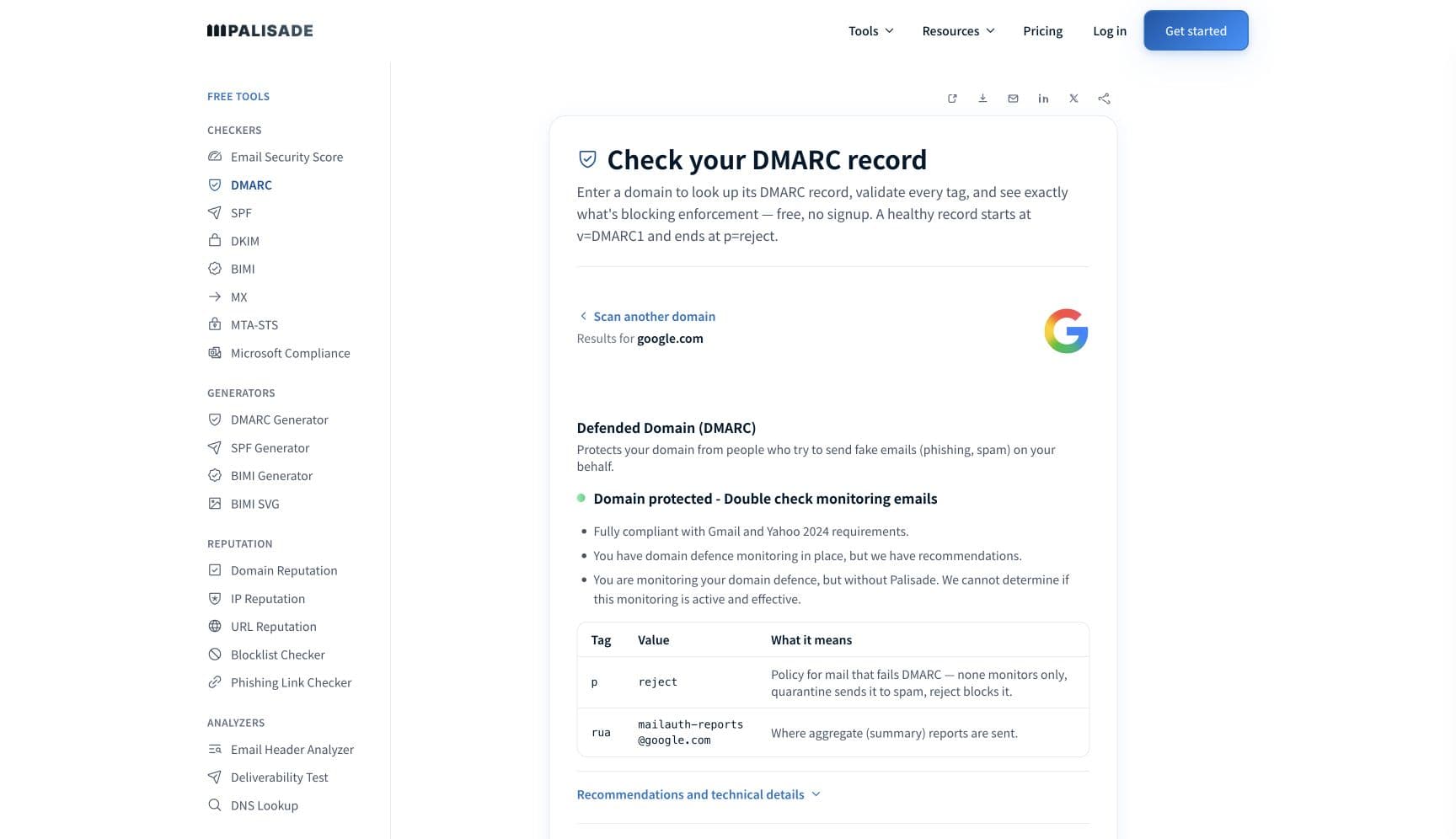
Start with authentication, because at Fastmail it is a score, not a gate. Fastmail says it "checks SPF, DKIM, DMARC, and ARC on all inbound mail" and that "Passing or failing these checks only alters a message's spam score; we do not outright reject mail, only mark it as more or less suspicious". It writes the result into a standard Authentication-Results header on every message. The free checker below reads SPF, DKIM and DMARC for the domain you send from in about thirty seconds.
Check your domain now
Enter your sending domain and the check runs instantly on the next page. Free, no signup.
Why Fastmail sends your email to spam
| Likely cause | What's happening |
|---|---|
| SPF, DKIM or DMARC fails and raises the spam score | Fastmail evaluates all four authentication standards on every message and folds the result into its spam scoring. Its own sender guidance says that if the domain "has not been properly set up, mail providers may mark your email as spam". Because nothing is rejected, the sender sees no bounce; the recipient just finds the message in Spam. |
| Forwarded mail broke SPF and there was no ARC seal to rescue it | Fastmail explains that "SPF breaks when emails are forwarded", and that it relies on ARC, plus a maintained list of known-good forwarders and mailing lists, to override a DMARC failure on forwarded mail. Mail that arrives through a forwarder Fastmail does not know, without an ARC seal and without a surviving DKIM signature, is scored as a failure. |
| A new or low-reputation sending domain | Fastmail lists domain reputation as a cause in its own words: "If your domain is newly registered, this can cause it to be considered low reputation. Your domain could also have a low reputation if it has been reported for spam too many times, or if it is on a blacklist." |
| Content that reads as promotional | Fastmail names the content signals it weighs: "Excessive use of words seen in promotional emails, links to websites or domains with a poor reputation, and signatures containing multiple links are some of the common reasons why an email may be marked as spam." Its own diagnostic is to send a plain-text message with one short sentence and see whether that one lands. |
| The recipient's own filtering deleted or trashed it | Fastmail documents recipient-side settings that remove mail before it is ever seen: "legitimate emails can be deleted if your spam protection level is set to Aggressive or Custom", mail from a blocked sender or domain "will automatically be moved to your Trash folder", and per-address actions and rules run before anything else. From the sender's side all of these look identical to a spam-foldered message. |
Check the public signals before changing settings
The free check above gives you a fast public baseline for how Fastmail sees your mail. It does not replace the provider's private reputation or placement data, but it tells you whether the problem is visible from outside before you edit a sending platform.
How to fix it, step by step
Check SPF, DKIM and DMARC on the domain in your From header
Use the free checker above, or open the DMARC checker page directly. Every failing check at Fastmail is a point against the message, so confirm SPF authorises the platform that actually sent it, the DKIM signature is on your own domain and verifies, and a DMARC record exists. Fix what fails before anything else.
Read Fastmail's Authentication-Results header on a filed message
Ask a Fastmail recipient to forward the full headers of a message that went to Spam and paste them into the email header analyzer. Fastmail writes its verdict for each of SPF, DKIM, DMARC and ARC into that header, which tells you precisely which check scored against you.
Sign with DKIM so forwarding survives
Because Fastmail expects SPF to break on forwarded mail and leans on DKIM and ARC to compensate, an aligned DKIM signature on your own domain is the check that keeps working after a forward. Verify the published selector at the DKIM checker.
Send the plain-text test Fastmail recommends
Send a one-sentence plain-text message from the same domain to the same recipient. If it reaches the inbox, Fastmail's own guidance is that "the problem is almost certainly the content of the email you sent earlier": promotional wording, links to poorly regarded domains, or a signature full of links.
Check the domain's reputation and age
Run the domain through the domain reputation checker and the blocklist checker. A newly registered domain starts with low reputation at Fastmail, so warm it with normal correspondence before any volume, and clear any listing you find.
Ask the recipient to check their Fastmail-side controls
Have them look at Settings, Filters & Rules: the Blocked senders list, any address action on your address, custom rules, and the spam protection level. Fastmail's own guidance for missing mail is to return the spam level to Standard and mark the message Not spam; ask the recipient to do both, then resend.
Move bulk sending off a personal mailbox
If you send newsletters or notifications from a Fastmail account, Fastmail asks that you "please use a service dedicated to bulk mailing" and states that bulk sending is not permitted under its Terms of Service. A dedicated platform, authenticated on your domain, is both the compliant and the deliverable option.
Related free tools: Email header analyzer · DKIM checker · SPF checker · Domain reputation
If you send in volume: the baseline that applies at Fastmail
Fastmail publishes no bulk-sender programme, no complaint-rate ceiling and no volume threshold for inbound mail. The only bulk rule it states is about its own customers: sending marketing, newsletter, transactional or notification mail from a Fastmail account is "not permitted under our Terms of Service", and Fastmail asks those senders to use a dedicated bulk service. For senders to Fastmail mailboxes, the levers Fastmail documents are authentication, domain reputation, content, and the recipient's own settings. Checked 2026-09-15.
Check your standing with Fastmail
- Fastmail: Sender authentication
Fastmail's own description of how it treats SPF, DKIM, DMARC and ARC on inbound mail, including the statement that failures change the spam score rather than rejecting the message.
- Fastmail: Why are my sent emails getting marked as spam?
Fastmail's sender-side diagnostic: bulk sending, content, authentication, domain reputation, and the plain-text test that isolates a content problem.
- Fastmail: I'm unable to receive mail!
The recipient-side settings that can delete or trash your mail before it is seen: Aggressive spam level, blocked senders, address actions and rules. Send this to the recipient rather than reading it yourself.
If it bounces instead: the codes Fastmail returns
Spam placement returns no SMTP error, so these are the readings and codes you see when Fastmail refuses the mail instead. Match yours below; where a code has a full guide, it is linked.
- No authentication rejection string exists: Fastmail states it does not reject mail on SPF, DKIM, DMARC or ARC results, so a failing domain is spam-foldered silently rather than bounced
- Over-quota and inactive-domain bounces: Fastmail says a mailbox over its storage quota will bounce and an inactive custom domain will fail to deliver; these are recipient-side conditions, not sender reputation Full guide →
The real root cause: unenforced authentication
Fastmail is honest about what most providers do quietly: authentication is not a door, it is a score, and every message from your domain arrives carrying that score before a word of content is read. A domain whose SPF does not name its senders, whose DKIM keys are missing or signed by someone else, or whose DMARC record does not exist starts every delivery in the hole. The fix is not a Fastmail-specific setting. It is to make every service that sends as your domain authenticate and align, which is exactly what DMARC aggregate reports let you see: each sender, whether it passed, and which check failed. Authenticate them one by one, then move the policy from p=none to p=reject so that mail which cannot prove it is yours is refused everywhere, and the only messages arriving at Fastmail under your name are the ones that score clean.
DMARC software that does the work
Palisade's AI agent takes domains all the way to enforcement: hosted SPF, DKIM, DMARC, and MTA-STS records on paid plans, DMARC reports monitored continuously, and every policy step drafted for your approval on the way to p=reject. The full product is open for a 15-day trial, and nothing is charged until it ends.
Audit any domain free, no card needed. A card starts the 15-day trial.
Fixing this across every client domain
Fastmail recipients are a small share of any client's list, but the silent spam-foldering it documents is what happens at every provider that does not bounce, so a client's Fastmail complaints are usually the first visible symptom of a domain-wide authentication gap. Palisade turns that into one workflow across every client domain: hosted and managed SPF, DKIM, DMARC, and MTA-STS records, aggregate reports read so each unauthenticated sending service is named rather than guessed at, and a path to p=reject with your team approving every change. Native ConnectWise, HaloPSA, and Autotask integrations put it in your PSA, pricing is per client domain with rates that improve as the portfolio grows, and your own MSP domain is a free NFR domain to prove the process on first.
Questions readers ask
Frequently asked questions
Does Fastmail reject mail that fails SPF or DKIM?
Does Fastmail enforce my DMARC reject policy?
Why does mail to a Fastmail user disappear without a bounce?
How do I find out why Fastmail marked my message as spam?
Does a new domain go to spam at Fastmail?
Why did forwarded mail from my domain go to spam at Fastmail?
Does Fastmail publish a spam complaint threshold?
Sources and last verified
Every claim about Fastmail on this page links to the source it came from, each with the date it was last checked. Provider policies change; if a detail looks off, the linked source is authoritative.
- Fastmail sender authentication: "Fastmail checks SPF, DKIM, DMARC, and ARC on all inbound mail. Passing or failing these checks only alters a message's spam score; we do not outright reject mail, only mark it as more or less suspicious. We add a standard Authentication Results header to all received mail"; "SPF breaks when emails are forwarded"; ARC lets Fastmail "safely override any DMARC policies associated with that email should the DMARC checks fail" for mail via trusted forwarders, and Fastmail maintains "lists of known good email forwarders and mailing lists" applied when evaluating DMARC; Fastmail's own domains publish a relaxed SPF policy, DKIM-sign all outbound mail, and carry a DMARC policy of nonewww.fastmail.help · checked 2026-09-15
- Fastmail, why sent emails get marked as spam: bulk sending is "not permitted under our Terms of Service" and senders of marketing, newsletter, transactional or notification mail are asked to "please use a service dedicated to bulk mailing"; "Excessive use of words seen in promotional emails, links to websites or domains with a poor reputation, and signatures containing multiple links" are common content causes; the plain-text one-sentence test, after which "the problem is almost certainly the content of the email you sent earlier"; if a domain "has not been properly set up, mail providers may mark your email as spam"; "If your domain is newly registered, this can cause it to be considered low reputation. Your domain could also have a low reputation if it has been reported for spam too many times, or if it is on a blacklist"; provider-specific filing usually means the domain is blacklisted by that provider; support asks for the full headers of the filed messagewww.fastmail.help · checked 2026-09-15
- Fastmail, unable to receive mail: receiving "could be disabled" on an overdue account; "If your mailbox storage is over quota, emails sent to your account will bounce"; mail from blocked senders and domains "will automatically be moved to your Trash folder"; "legitimate emails can be deleted if your spam protection level is set to Aggressive or Custom", with the fix of changing it to Standard; address actions apply before user rules; incorrect DNS or a CNAME on the root domain breaks delivery for a custom domain, and the only MX records should be in1-smtp.messagingengine.com and in2-smtp.messagingengine.comwww.fastmail.help · checked 2026-09-15
Related guides
552 5.2.2550 5.7.1adkim / aspfselectorp=reject