Provider deliverability · Microsoft 365 / Exchange Online
What is the spam confidence level (SCL) in Microsoft 365?

By Samuel Chenard · CEO & Co-Founder, Palisade · Reviewed September 19, 2026
The spam confidence level (SCL) is a value Microsoft stamps in the X-Forefront-Antispam-Report header, either -1 or a number from 0 to 9, where Microsoft says "an SCL value of 5 or higher generally indicates the message is considered bad". In cloud organizations it no longer decides the verdict or the action. Read CAT instead.
The 30-second check
SCL sits in the same header block as the fields that do carry a published verdict, so one paste answers both questions at once. Take a message that landed in Junk at a Microsoft 365 recipient, copy the full internet headers, then open the free email header analyzer and paste them in. You are looking for CAT, SFV, SCL and the compauth result in Authentication-Results.
Check your domain now
Enter your sending domain and the check runs instantly on the next page. Free, no signup.
What your SCL value does and does not tell you
| Finding | What it means |
|---|---|
| In cloud mailboxes, SCL no longer decides anything | This is the correction most SCL articles never made. Microsoft's current documentation states that as the filtering stack evolved "the SCL value no longer holds the same meaning in cloud organizations. The value doesn't determine whether spam filtering identifies a message as Spam or High confidence spam, and it doesn't determine the action taken on the message." It also notes that "the same SCL value can appear on messages with different verdicts". Reading SCL as a cause of junk placement in Exchange Online will send you after the wrong repair. |
| The verdict you actually want is in CAT and SFV | Microsoft points you at other fields: "CAT (category) identifies what filtered the message, and DIR (directionality) indicates whether the message was internal." CAT:SPM is spam, CAT:HSPM high confidence spam, CAT:BULK bulk, CAT:PHSH phishing, CAT:SPOOF spoofing. SFV:SPM means spam filtering marked it; SFV:SKB means it matched a blocked sender or domain in an anti-spam policy; SFV:BLK means a recipient's own Blocked Senders list did it. |
| A mail flow rule in the recipient's tenant set the value | Exchange Online administrators can submit an SCL to filtering with a transport rule: -1 to bypass most spam filtering, 5 or 6 to request Spam, 9 to request High confidence spam. Microsoft is explicit that "these SCL values are inputs to filtering, not final decisions", that secure by default may not honour the request, and that SFV:SKS is stamped only when a request to mark the message as spam is honoured. |
| The mailbox is on-premises or hybrid, where SCL genuinely acts | Microsoft says "the main purpose of the SCL value is to support on-premises Exchange servers, including hybrid environments where cloud-filtered messages are delivered to on-premises mailboxes." There, real numbers apply: the organization default SCLJunkThreshold is 4, "which means that messages with an SCL value of 5 or higher are moved to the Junk Email folder". The Content Filter agent's reject threshold is enabled by default at 7; delete and quarantine thresholds are off by default. |
| SCL -1 was requested but 0 or 1 was stamped | Microsoft warns that even when a rule requests a bypass "the actual SCL value stamped on the message might not be -1 (for example, 0 or 1 to indicate it was evaluated and found not to be spam)." An administrator who checks for a literal -1 to confirm a bypass worked will conclude it failed when it did not. The field that answers that question is SFV:SKN. |
| The message was bulk, which is BCL and not SCL at all | Bulk mail is scored separately. Microsoft assigns a bulk complaint level in the X-Microsoft-Antispam header, where "a higher BCL value indicates a bulk message is more likely to exhibit undesirable spam-like behavior". The default BCL threshold is 7 in the default and new anti-spam policies, 6 in the Standard preset and 5 in the Strict preset. SRV:BULK in the header is the tell. |
| Composite authentication failed, which is scored on its own | Microsoft evaluates SPF, DKIM, DMARC and other signals into a compauth result with a three-digit reason code, stamped in Authentication-Results. Reason 001 means the sending domain "didn't have email authentication records published, or if they did, they had a weaker failure policy (SPF ~all or ?all, or a DMARC policy of p=none)". That is a sender-side gap, and no SCL number describes it. |
Confirm the pattern in Microsoft 365's own sender data
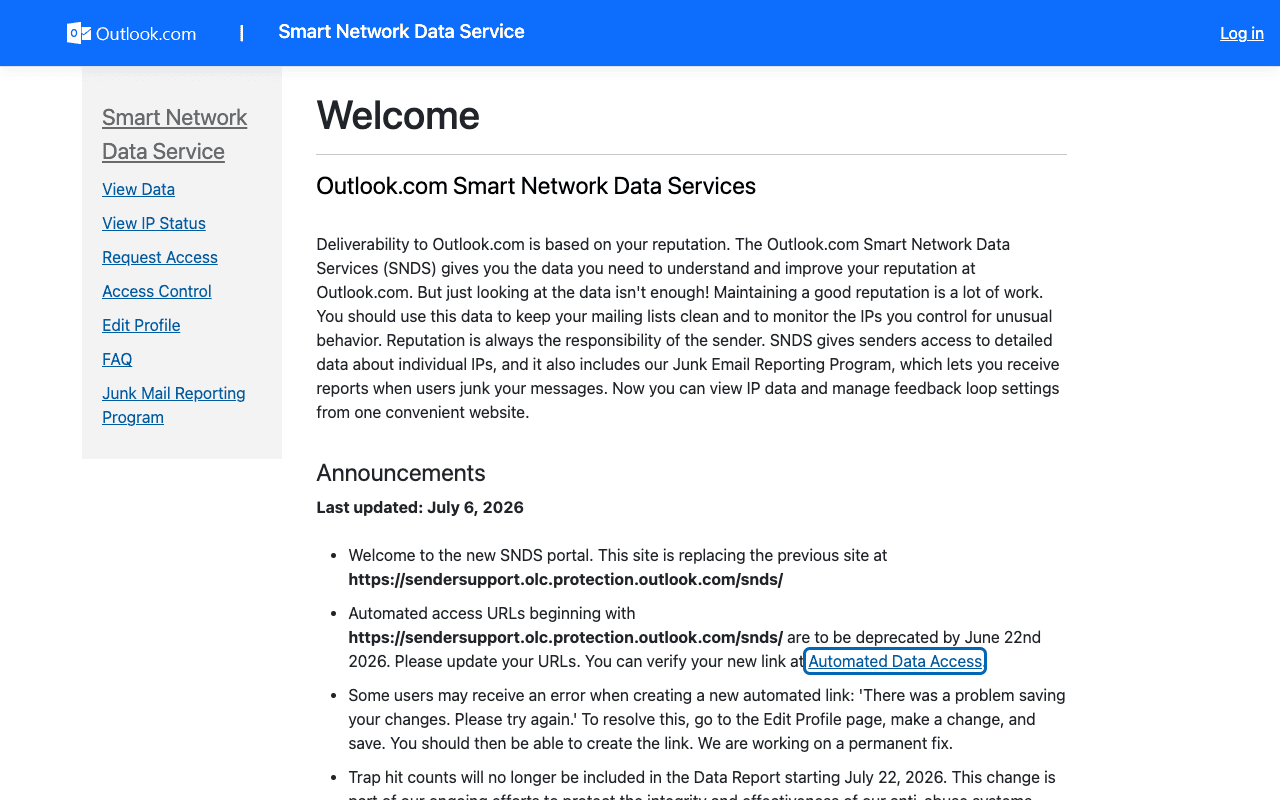
Microsoft 365 publishes its own sender data separately from your DNS. Use it to confirm the provider-side symptom after you have checked the public authentication records below.
Read the verdict Microsoft 365 recorded
The header analyzer above reads the verdict Microsoft 365 already recorded. It will not tell you what Microsoft 365's private reputation data says about your domain, but it names which of its checks this message actually failed, before you change anything on a sending platform.
How to fix it, step by step
Pull the full header of a message that was junked
Paste the complete internet headers into the email header analyzer. Everything on this page lives in two headers:
X-Forefront-Antispam-ReportandAuthentication-Results. A forwarded copy is not enough, because forwarding rewrites them.Read CAT and SFV before you read SCL
CATnames the policy that filtered the message andSFVnames how. Together they tell you whether you are looking at a spam verdict, a bulk verdict, a phishing verdict, an allow or block list hit, or a transport rule. SCL will not distinguish those.Check the compauth result and its reason code
In
Authentication-Results, findcompauth=and the three-digitreason=. Microsoft publishes the full code table. Afailwith reason001means the From domain published nothing strong enough to authenticate on, which is fixable from your DNS and nowhere else.If the recipient runs on-premises or hybrid, ask about thresholds
There the numbers are real and adjustable.
SCLJunkThresholddefaults to 4 at the organization level, and the Content Filter agent's reject threshold defaults to 7 and is on by default. Microsoft also notes the two use different comparisons: the Content Filter agent uses greater than or equal to, the Junk Email folder uses greater than.Do not ask for an SCL -1 rule as the fix
Microsoft cautions against it directly: "Be very careful about allowing messages to skip spam filtering. The mail flow rule should use more conditions than just the sender's email address or domain." A bypass rule also never delivers high confidence phishing or malware, so it cannot rescue those verdicts anyway.
Check the domain against Microsoft's sender requirements
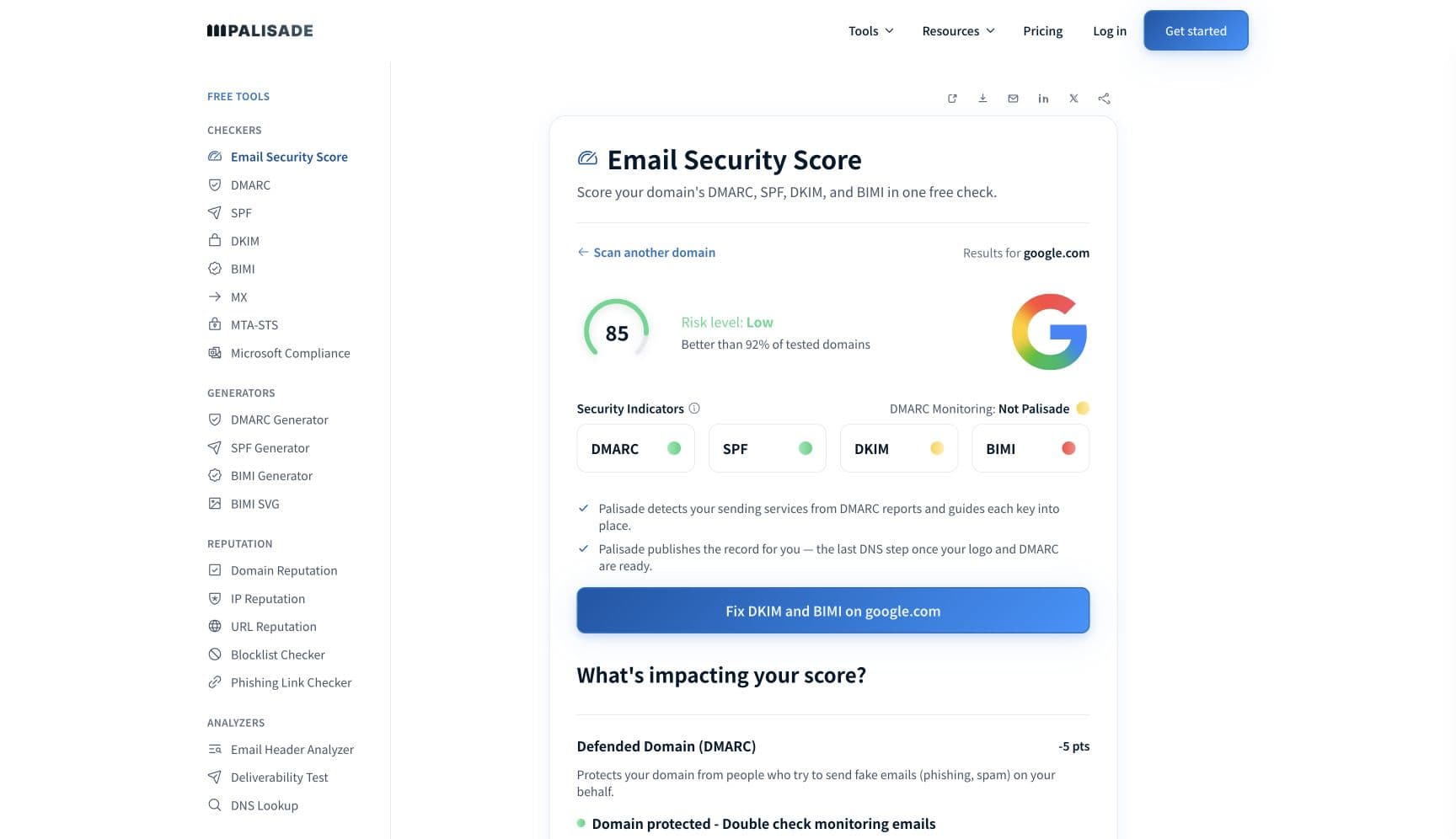
Run it through the Microsoft compliance checker to confirm SPF, DKIM and DMARC are present and aligned before you escalate to the recipient's administrator. A tenant-side exception for an unauthenticated domain is a favour, not a fix, and it does not travel to the next recipient.
Related free tools: Microsoft compliance checker · DMARC checker · SPF checker · DKIM checker
If you send in volume: Microsoft 365's published rules
Microsoft does not express bulk mail as an SCL number. Bulk is scored separately as the bulk complaint level (BCL), stamped in the X-Microsoft-Antispam header, where 0 means "the message isn't from a bulk sender", 1 to 3 means "a bulk sender that generates few complaints", 4 to 7 "a mixed number of complaints", and 8 or 9 "a high number of complaints". Recipients choose the line: the default BCL threshold is 7 in the default and any new anti-spam policy, 6 in the Standard preset security policy, and 5 in the Strict preset. Messages at or above the threshold go to the Junk Email folder under the default and Standard settings, and are quarantined under Strict. This is why the same campaign lands in the inbox at one tenant and in Junk at another: you are the same sender, and they set a different threshold. Per Microsoft's bulk email detection documentation, checked 2026-09-02.
Check your standing with Microsoft 365
- Message Header Analyzer
Microsoft's own header parser, linked from the anti-spam header reference. It renders X-Forefront-Antispam-Report field by field.
- Anti-spam message headers reference
Microsoft's published meaning for every documented field: CAT, SFV, SCL, DIR, SFTY, SRV:BULK, and the compauth reason codes.
- Spam confidence level (SCL)
The current statement of what SCL does and does not decide in cloud organizations. Read this before quoting any older SCL action table.
- Exchange SCL threshold reference
The on-premises numbers: Content Filter agent delete, reject and quarantine thresholds, and the organization and mailbox Junk Email thresholds with their defaults.
If it bounces instead: the codes Microsoft 365 returns
Spam placement returns no SMTP error, so these are the readings and codes you see when Microsoft 365 refuses the mail instead. Match yours below; where a code has a full guide, it is linked.
- 550 5.7.26 (unauthenticated email from your domain): the rejection one step past junk placement, when authentication is missing rather than merely weak Full guide →
The real root cause: unenforced authentication
Chasing an SCL number is chasing a readout, not a cause. Microsoft has been clear that in cloud organizations the value does not decide anything, and even where it still does, on-premises and in hybrid, it is a score somebody else's threshold is applied to. You cannot set that threshold and you cannot argue with it. What you can set is whether your mail is provably yours. The compauth result and its reason code are the part of the header that names a sender-side defect in plain terms, and every one of those defects is a DNS record: a sending service missing from SPF, a platform signing DKIM with its own domain rather than yours, a From domain that does not align with either, a DMARC policy still at p=none and therefore treated as weak. Aggregate reports name the senders you forgot about. Moving the policy to p=reject once they are all authenticated removes the ambiguity that filtering fills in with guesses. Enforcement is the fix; the header is only how you found it.
DMARC software that does the work
Palisade's AI agent takes domains all the way to enforcement: hosted SPF, DKIM, DMARC, and MTA-STS records on paid plans, DMARC reports monitored continuously, and every policy step drafted for your approval on the way to p=reject. The full product is open for a 15-day trial, and nothing is charged until it ends.
15-day full-product trial. Nothing is charged until it ends.
Fixing this across every client domain
SCL tickets arrive as "our mail is going to junk at one client's customer" and end up somewhere else entirely, because the number in the header does not name the fault. Palisade gives you the layer underneath it across the whole portfolio: hosted and managed SPF, DKIM, DMARC and MTA-STS records for every client domain, aggregate reports read for you so each sending service is named rather than guessed, and a path to p=reject with your team approving each change. Native ConnectWise, HaloPSA and Autotask integrations put it in your PSA, pricing is per client domain with rates that improve as the portfolio grows, and your own MSP domain is a free NFR domain to run the process on first.
Questions readers ask
Frequently asked questions
What do the SCL values mean?
-1 to 9. Microsoft describes -1 as a request to bypass most spam filtering and says "an SCL value of 5 or higher generally indicates the message is considered bad". Microsoft does not publish a per-number action table for cloud mailboxes, because in Exchange Online the value no longer determines the verdict or the action taken.Does SCL 5 mean my email was marked as spam?
CAT and SFV in the same header for the actual outcome.What is the difference between SCL and BCL?
X-Forefront-Antispam-Report. BCL is the bulk complaint level, stamped in X-Microsoft-Antispam, and it scores bulk or gray mail rather than spam. Recipients set a BCL threshold in their anti-spam policy: 7 by default, 6 under the Standard preset, 5 under Strict. Bulk is a separate verdict with its own action.What is SCL -1 and should I ask for one?
Where do I find the SCL value in an email header?
X-Forefront-Antispam-Report header, in a semicolon-separated list of fields, written as SCL:1. Microsoft's own example line is CTRY:;LANG:hr;SCL:1;SRV:;IPV:NLI;SFV:NSPM;PTR:;SFTY:;. Open the full internet headers of the delivered message, not a forwarded copy, because forwarding replaces them.What are the default SCL thresholds in on-premises Exchange?
SCLJunkThreshold defaults to 4, which Microsoft says means "messages with an SCL value of 5 or higher are moved to the Junk Email folder". On the Content Filter agent the reject threshold is enabled by default with a value of 7, while the delete and quarantine thresholds are disabled by default.Can I see or change the SCL Microsoft assigns to my outbound mail?
Why does the same message get different SCL values at different tenants?
Sources and last verified
Every claim about Microsoft 365 on this page links to the source it came from, each with the date it was last checked. Provider policies change; if a detail looks off, the linked source is authoritative.
- Microsoft on SCL in cloud organizations: spam filtering "stamps the SCL value (-1, or 0 to 9) on messages in the X-Forefront-Antispam-Report header. An SCL value of 5 or higher generally indicates the message is considered bad"; "the SCL value no longer holds the same meaning in cloud organizations. The value doesn't determine whether spam filtering identifies a message as Spam or High confidence spam, and it doesn't determine the action taken on the message"; "the same SCL value can appear on messages with different verdicts"; use CAT and DIR instead; "the main purpose of the SCL value is to support on-premises Exchange servers, including hybrid environments"learn.microsoft.com · checked 2026-09-02
- Exchange on-premises SCL thresholds: SCLJunkThreshold default 4, "which means that messages with an SCL value of 5 or higher are moved to the Junk Email folder, and messages with an SCL value of 4 or lower are delivered to the Inbox"; SCLRejectEnabled default $true with SCLRejectThreshold default 7; SCLDeleteEnabled and SCLQuarantineEnabled default $false; the Content Filter agent uses greater than or equal to while the Junk Email folder uses greater thanlearn.microsoft.com · checked 2026-09-02
- Exchange Online mail flow rules and SCL: a rule can "bypass most spam filtering by setting SCL to -1", "treat messages as spam by setting SCL to 5 or 6", and "treat messages as high confidence spam by setting SCL to 9"; "these SCL values are inputs to filtering, not final decisions"; a bypass rule "doesn't allow the delivery of high confidence phishing messages (HPHISH) or messages that contain malware"; "the SCL value stamped on a message might be 0 or 1 instead of -1"; "be very careful about allowing messages to skip spam filtering. The mail flow rule should use more conditions than just the sender's email address or domain"learn.microsoft.com · checked 2026-09-02
- Microsoft's anti-spam header reference: example header line "CTRY:;LANG:hr;SCL:1;SRV:;IPV:NLI;SFV:NSPM;PTR:;SFTY:;"; CAT values including SPM, HSPM, BULK, PHSH, HPHISH, SPOOF; SFV values SPM, NSPM, SKN, SKS, SKB, SKA, BLK, SFE, SKI, SKQ; SRV:BULK; SFV:SKS is stamped only when the request to mark the message as spam is honoured; compauth reason codes, including 001 ("the sending domain didn't have email authentication records published, or if they did, they had a weaker failure policy (SPF ~all or ?all, or a DMARC policy of p=none)")learn.microsoft.com · checked 2026-09-02
- Microsoft's bulk complaint level: BCL 0 "the message isn't from a bulk sender", 1-3 "a bulk sender that generates few complaints", 4-7 "a mixed number of complaints", 8-9 "a high number of complaints"; default BCL threshold 7 in the default and new anti-spam policies, 6 in the Standard preset security policy, 5 in the Strict preset; default actions are delivery to Junk Email under default and Standard, quarantine under Strictlearn.microsoft.com · checked 2026-09-02
Related guides
550 5.7.26550 5.7.509dmarc=passdmarc=failadkim / aspf