Protect Yourself from Malicious Email Attachments | Tips & Prevention
 ChatGPT
 Claude
 Gemini
 Perplexity
 Grok
GrokIn brief
Malicious email attachments deliver most malware. Learn the file types to watch, how to verify senders, and defenses that stop infected files.
In today's digital age, email has become an essential communication tool for individuals and businesses alike. However, with the convenience of email comes the risk of malicious email attachments. These nefarious attachments can cause significant harm, compromising sensitive data, and wreaking havoc on your systems. In this article, we will explore the world of malicious email attachments, the threats they pose, and how you can protect yourself from falling victim to their malicious intent.
What are Malicious Email Attachments?
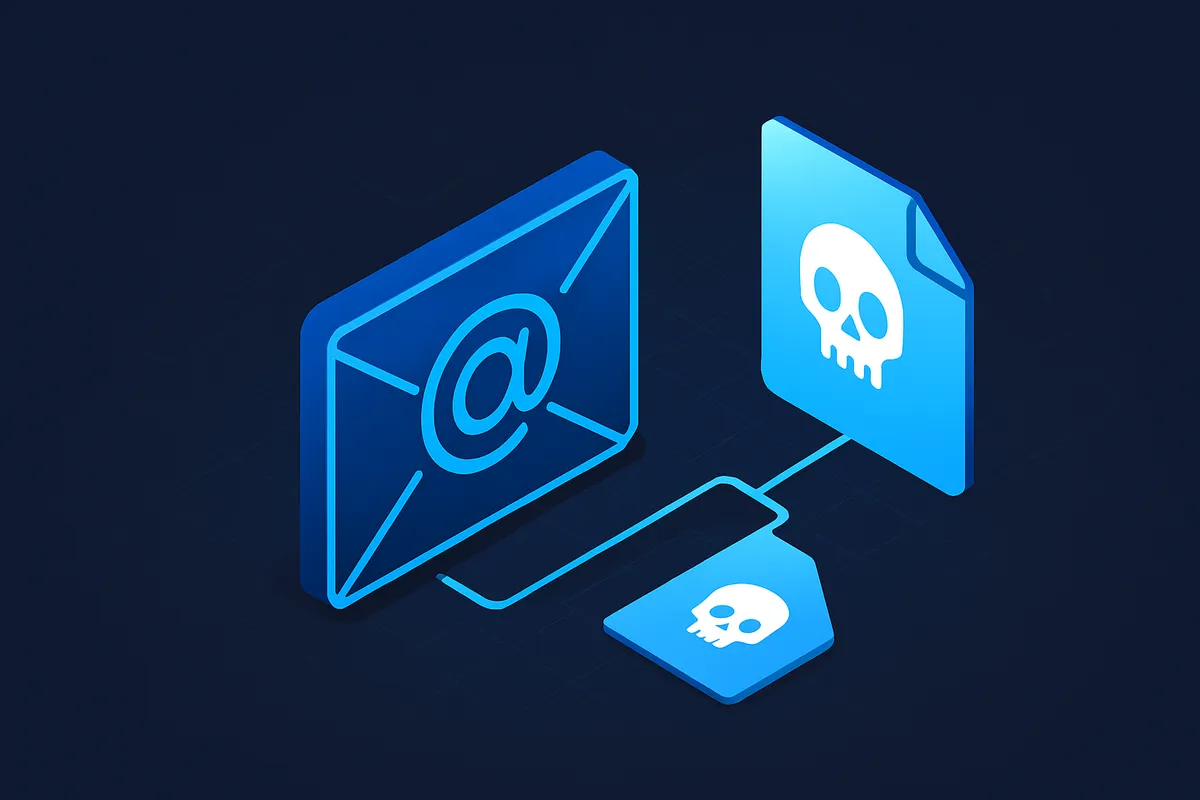
Malicious email attachments refer to files sent via email that harbor harmful intent. They are designed to exploit vulnerabilities in your computer systems, compromising your security and privacy. These attachments can contain various types of malware, including viruses, worms, ransomware, and spyware.
The Threat of Malicious Attachments
Malicious email attachments pose a serious threat to individuals and organizations. By opening these attachments, you expose your systems to a range of potential risks, including data breaches, unauthorized access, and damage or disruption to your systems.
Why Do People Create Malicious Email Attachments?
Understanding the motives behind creating malicious email attachments can help you better comprehend the gravity of the threat they pose. Here are some common reasons why individuals with malicious intent engage in this activity:
Stealing Personal Information
One primary motivation behind creating malicious email attachments is to steal personal information. Attackers aim to obtain sensitive data such as bank account details, social security numbers, or login credentials. This stolen information can be exploited for financial gain or to perpetrate identity theft.
Gaining Unauthorized Access
Malicious email attachments are also used as a means to gain unauthorized access to computer systems. Once inside, attackers can plant additional malware, initiate attacks on connected networks, or use your resources for their own purposes. Unauthorized access can lead to data breaches, system compromise, and further malicious activities.
Causing Damage and Disruption
Some individuals create malicious email attachments with the sole intention of causing damage and disruption. These attacks may be motivated by revenge, political agendas, or simply the desire to demonstrate their hacking abilities. Malicious attachments can corrupt files, disable systems, or disrupt network operations, leading to significant financial and operational losses.
The Problem With Email Attachments of Nefarious Nature
Email attachments, especially those of a nefarious nature, pose a significant problem for individuals and businesses. Unlike other forms of malware distribution, email attachments have a high success rate due to their ability to exploit user trust and circumvent security measures.
A Haven for Malware
Email attachments serve as a haven for malware to enter your systems unnoticed. Cybercriminals leverage social engineering tactics, manipulating users into opening these attachments without suspecting any malicious intent. Even the most security-conscious individuals can fall victim to these deceptive practices.
How Do Malicious Emails Work?
To fully understand the impact of malicious email attachments, it is crucial to grasp how these emails operate. By understanding their techniques, you can better protect yourself from falling prey to their schemes.
Exploiting User Trust
Malicious emails often appear legitimate, mimicking trusted senders or well-known organizations. These emails may contain urgent requests, enticing offers, or alarming subject lines to grab your attention and prompt you to open the attached file without thinking twice. Attackers exploit your trust in the sender and the content to deceive you into taking actions that could compromise your security.
Methods of Malicious Payload Delivery
Malicious attachments can be delivered through various methods, increasing the chances of successful infiltration. Some common methods include phishing emails, infected links leading to malware-hosting websites, and exploiting software vulnerabilities to deliver malware through email attachments. Attackers continuously evolve their techniques to bypass security measures and maximize the chances of successful payload delivery.
Some Dangerous Email Attachment File Types
Malicious actors use various file types to disguise their harmful payloads. It's crucial to be cautious when encountering these file types in email attachments, as they often serve as carriers for malware.
ISO Files
ISO files are disk image files that can be easily mounted or run on virtual drives. Attackers may use ISO files to deliver malware or execute malicious scripts. Exercise caution when opening ISO files received via email.
EXE Files
Executable (EXE) files are programs that can perform specific tasks on your computer. Malicious EXE files can contain harmful code that can compromise your system's security or install malware. Avoid running EXE files received from unknown or untrusted sources.
Installers
Malicious installers can pose as legitimate software installers or updates. When executed, they install malware onto your system instead of the intended software. Be cautious when running installers and ensure they come from reputable sources.
Compressed Files
Compressed files, such as ZIP or RAR archives, can hide malware inside. Attackers often use password-protected archives to evade detection by antivirus software. Exercise caution when extracting files from compressed archives received via email.
Protection Against Malware Attacks
Protecting yourself and your organization from malicious email attachments requires a proactive approach. Here are some essential steps to enhance your email security:
Internet and Email Vulnerabilities
Regularly update your operating system and software applications to patch vulnerabilities that attackers may exploit. Additionally, educate yourself and your employees about email security best practices to minimize the risk of falling for phishing attempts. Stay informed about the latest email-related threats and ensure you have a solid understanding of common attack techniques.
Implementing Preventive Measures
Deploy robust security solutions, such as firewalls, antivirus software, and intrusion detection systems, to defend against email-borne threats. Configure these solutions to scan email attachments for malware and block suspicious content. Keep your security software up to date and leverage advanced threat intelligence to stay ahead of emerging threats.
Email Monitoring and Filtering
Invest in an advanced email security solution that includes monitoring and filtering capabilities. These solutions can identify and block suspicious emails, reducing the likelihood of malicious attachments reaching your inbox. Implement strict email filtering policies, scan attachments for known malware signatures, and utilize machine learning algorithms to detect and block unknown or zero-day threats.
Conclusion
Malicious email attachments are a persistent threat in today's digital landscape. They can wreak havoc on your personal and professional life, compromising your security, privacy, and data integrity. By understanding the risks associated with these attachments and implementing the necessary preventive measures, you can significantly reduce your vulnerability to such attacks.
Assess Your Company's Email Security
At Palisade.email, we understand that navigating the technical intricacies of email security can be daunting. That's why we offer a comprehensive assessment to help your company evaluate its current email security posture and identify any gaps or vulnerabilities. Take the first step in securing your email communications by filling out our 2-minute questionnaire here. Our team of experts will provide tailored recommendations to strengthen your email security defenses and protect your organization from malicious email attachments. Don't wait until it's too late; secure your email communications today.
Related reading

Written by
Samuel ChenardCEO & Co-Founder, Palisade
Samuel Chenard is the CEO and co-founder of Palisade, AI-first DMARC software for IT teams and MSPs, from one domain to thousands.
More from Samuel →