Microsoft’s Latest Update to May 5th DMARC rules
 ChatGPT
 Claude
 Gemini
 Perplexity
 Grok
Grok
 We previously covered the Microsoft’s new email authentication requirements that are set to roll out on May 5, 2025, for Outlook and Hotmail. Today Microsoft just released an update providing more clarity on the action that will be taken against non-compliant emails.
What’s New in This Update
Microsoft has just updated its new security requirements strategy to tackle non-compliant emails. Here’s the key change since the original announcement:
- Immediate Rejections: As of May 5, 2025, emails that fail SPF, DKIM, or DMARC authentication checks will be rejected outright. Senders will receive a specific error message: "550; 5.7.515 Access denied, sending domain [SendingDomain] does not meet the required authentication level." This applies to all senders, with no exceptions, ensuring clarity on why messages are blocked. There will be no grace period or temporary Junk folder routing, instead full rejection will begins immediately on May 5, 2025.
Compliance Checklist Recap
Ready to ensure your emails comply with Microsoft’s new rules? Here’s a streamlined roadmap to get you there:
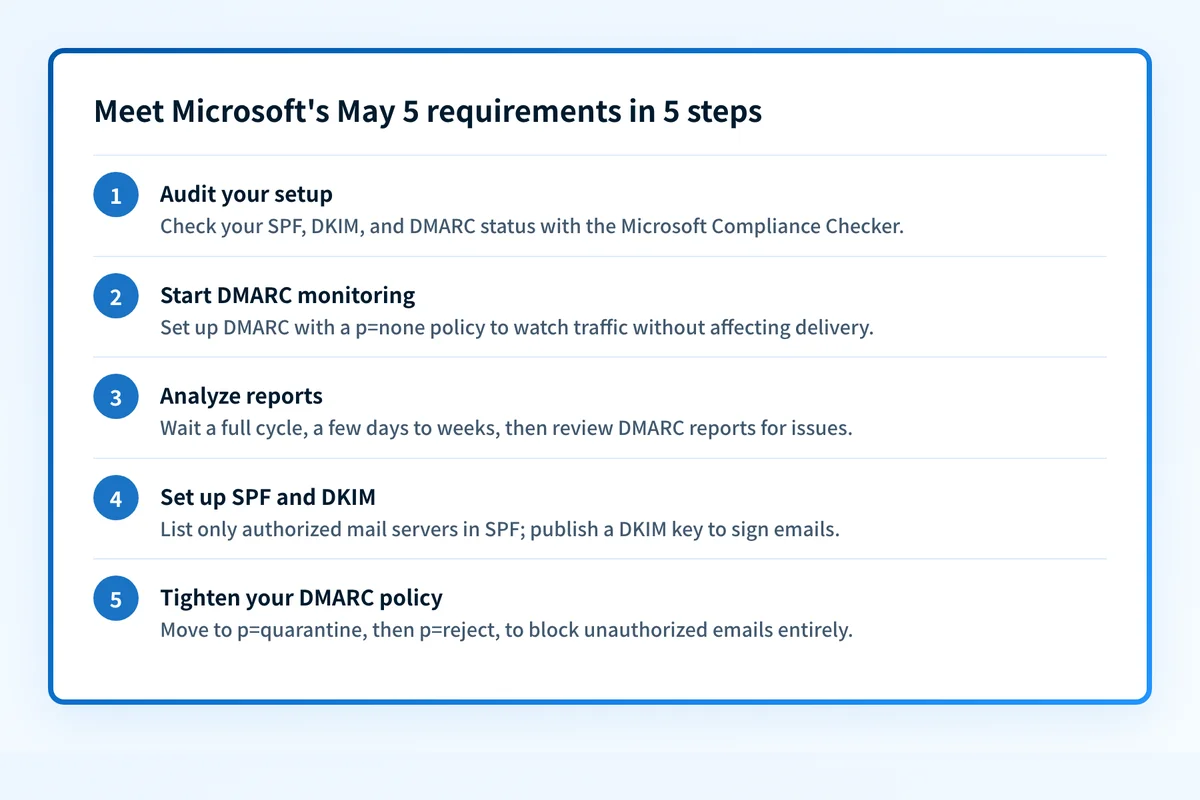 Follow these five steps before May 5, 2025 to avoid outright rejection.
1. Audit Your Setup
Check your current email authentication status using Palisade’s Microsoft Compliance Checker. This reviews your SPF, DKIM, and DMARC configurations, giving you a baseline to identify what needs fixing.
2. Start DMARC Monitoring
Set up DMARC with a p=none policy to monitor email traffic without affecting delivery. This step provides insights into how your emails are authenticated.
Example DMARC Record:
v=DMARC1; p=quarantine; rua=mailto:reports@example.com; 3. Analyze Reports and Wait for a Full Cycle
Wait for a full cycle—typically a few days to weeks, depending on your email volume—to collect and analyze DMARC reports. These reports highlight authentication issues and unauthorized senders.
4. Set Up SPF and DKIM Properly
Use your DMARC report data to configure SPF and DKIM:
- SPF: Update your DNS with a record listing only authorized mail servers. Keep it under the 10 DNS lookup limit to avoid issues.
- DKIM: Generate and publish a DKIM key to digitally sign your emails, proving their authenticity.
Once SPF and DKIM are solid, tighten your DMARC policy:
- Move to p=quarantine to flag suspicious emails as spam.
- Then shift to p=reject to block unauthorized emails entirely.
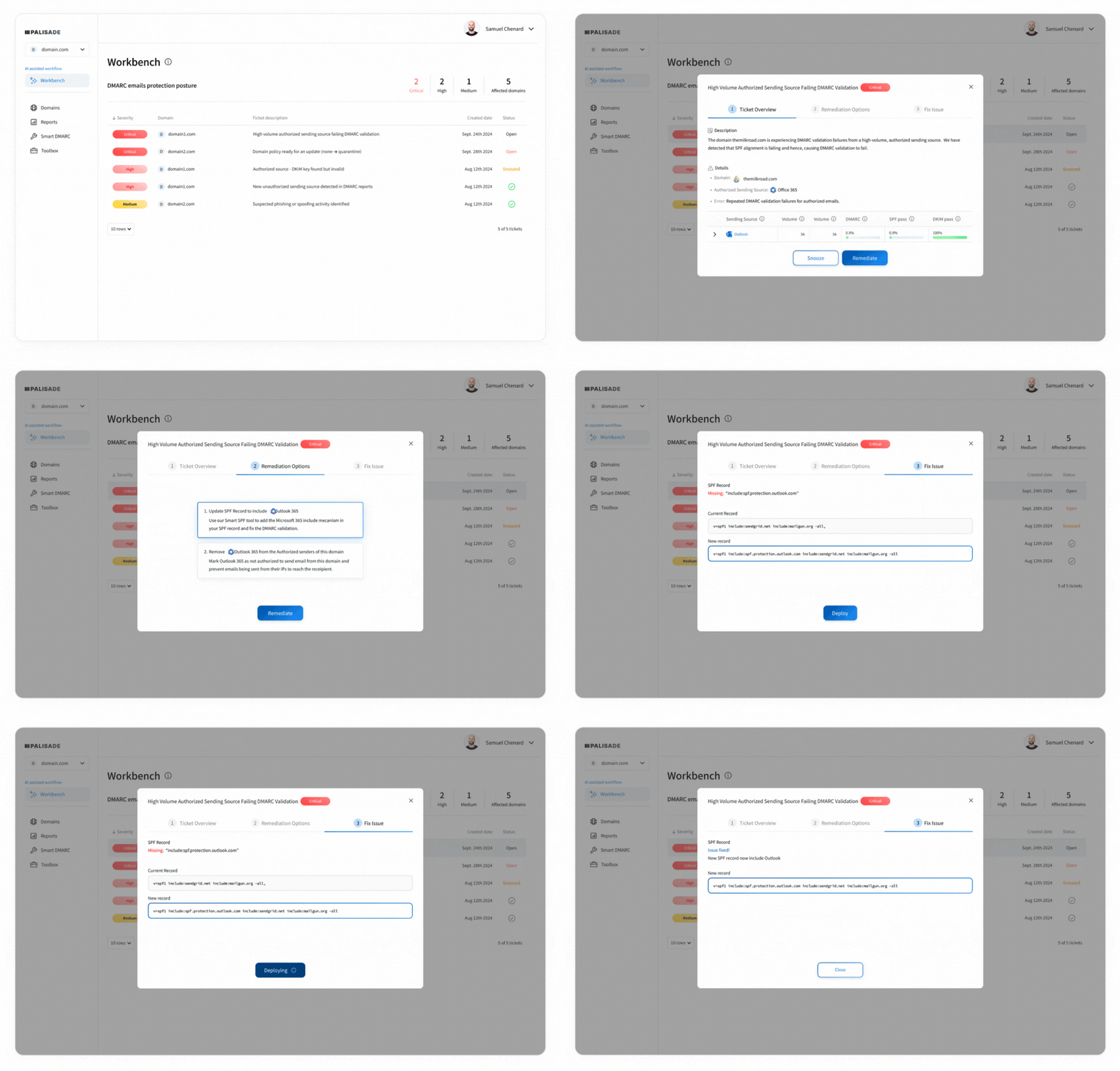
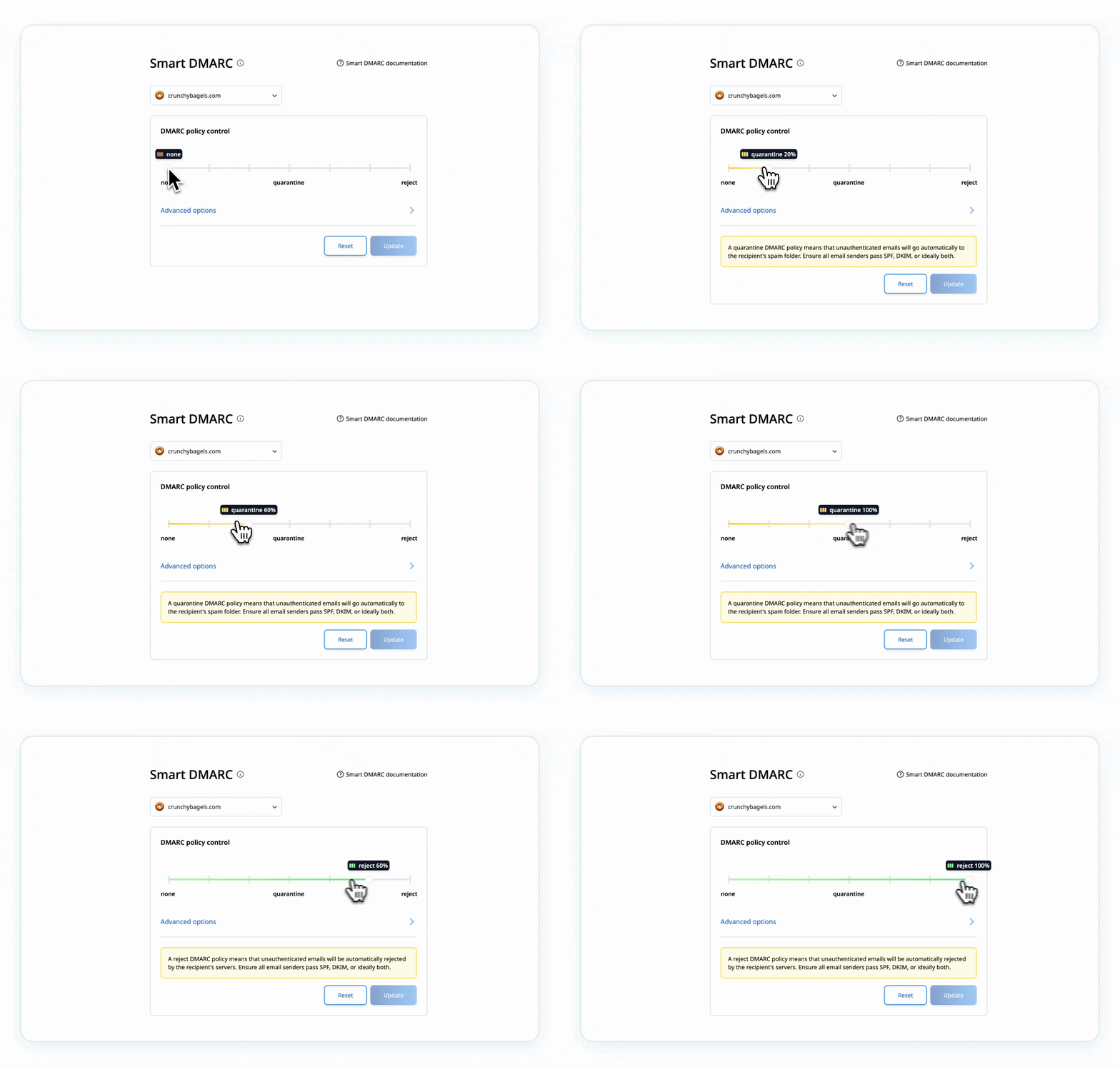 Palisade's AI-first DMARC agent can carry the authentication work across your domains:
- Investigate the services sending mail for each domain.
- Work through SPF and DKIM alignment.
- Move DMARC toward enforcement after legitimate sources are accounted for.
Check your current Microsoft results
The May 5, 2025 enforcement date has passed. Check Microsoft's current sender requirements, then test the exact production paths that send to Outlook and Hotmail recipients.
If you manage 10 or more domains, Palisade's AI-first DMARC agent can investigate the sources and carry the SPF, DKIM, and DMARC work across the portfolio.
Keep going with AI
Ask AI how this applies to you
Take this guide to your assistant — each question opens pre-filled, with a link back to this page so it can read the details.
- How does this apply to my domain?


- What should I do about it, step by step?

Written by
Samuel ChenardCEO & Co-Founder, Palisade
Samuel Chenard is the CEO and co-founder of Palisade, AI-first DMARC software for MSPs and teams managing 10 or more domains.
More from Samuel →