MXToolbox Alternatives: Email & DNS Tools Compared
 ChatGPT
 Claude
 Gemini
 Perplexity
 Grok
GrokIn brief
Compare MXToolbox alternatives for DNS, email authentication, reputation, SMTP testing, and monitoring. See the best tool for each job and its limits.

There is no complete one-for-one MXToolbox alternative. For a public email-authentication baseline, use Palisade. For Google Workspace DNS or header investigation, use Google Admin Toolbox. For Spamhaus reputation evidence, use Spamhaus. Keep MXToolbox, or add another specialist, when you need live SMTP testing, mixed SuperTool workflows, or scheduled monitoring. Compare tools against the same domain, IP address, message header, or mail server before changing the workflow.
Comparison at a glance
| Job | Best fit in this comparison | Input | Access and time model | Important boundary |
|---|---|---|---|---|
| Public email-authentication baseline | Palisade Email Security Score | Domain | Free public, point-in-time scan | Not a live SMTP test, private reputation feed, or inbox-placement result |
| Focused DMARC, SPF, or DKIM repair | Palisade focused checker | Domain, plus a selector for DKIM | Free public, point-in-time check | Does not prove production signing or inbox placement |
| Google Workspace DNS or header investigation | Google Admin Toolbox | Domain, DNS name, or message header | Public, point-in-time diagnostic | Not a cross-provider monitoring replacement |
| Spamhaus reputation evidence | Spamhaus checker | IP address or domain | Public, point-in-time lookup | Does not represent every blocklist or private provider model |
| Live SMTP or mixed diagnostics | MXToolbox SuperTool | Domain, hostname, IP, or mail endpoint | Free lookups; plan-dependent monitoring | Diagnostic breadth does not replace recurring DMARC remediation |
| Scheduled monitoring | MXToolbox or another verified monitoring product | Depends on the monitored job | Confirm current plan, history, alerting, and limits | A free lookup is not an ongoing monitor |
Use the table to eliminate options that cannot accept the required input. Then compare the surviving tools on the same domain, IP, header, or endpoint.
Build the public-domain baseline before replacing a tool
Run the same domain through one cross-protocol assessment, then use the job-to-tool map to decide which specialist evidence is still missing.
Check the domain's email-security controls
The scan cannot replace live SMTP diagnostics, scheduled monitoring, or private mailbox-provider data.
Choose by diagnostic job
What do you use MXToolbox for?
Pick the evidence you need. The recommendation changes with the job; no single tool is the right replacement for all five.
Best match
Palisade Email Security Score
Start with one domain-level view of the public controls that affect spoofing protection and deliverability.
- What it establishes
- Public SPF, DKIM, DMARC, BIMI, MX, MTA-STS and TLS-RPT status for the domain you enter.
- Important boundary
- It does not run a live SMTP session, expose private mailbox-provider reputation, or prove inbox placement.
At a glance
Quick takeaways
- Replace a specific MXToolbox job, not the brand name as a whole.
- Separate point-in-time checks from scheduled monitoring and alerting.
- Use a public-domain scan for email authentication, not for SMTP reachability or private reputation data.
- Treat a specialist reputation source as one piece of evidence, not a universal verdict.
- Keep any capability marked unknown out of the final decision until you verify it.
Who this comparison is for
This comparison is for an IT administrator or MSP operator who uses MXToolbox and wants a free or more focused alternative. The reader may need to inspect public DNS, assess SPF, DKIM, and DMARC, review a message header, check a sending IP against a reputation source, test a mail server, or monitor a record over time.
Those are different jobs. A DNS lookup tool cannot prove that a remote SMTP endpoint will accept a connection. A public reputation lookup cannot see a mailbox provider's private filtering data. A one-time authentication scan does not watch a domain for later drift.
This article does not rank managed DMARC platforms. Palisade's /compare page owns that broader decision and evaluates recurring DMARC products as operating platforms. The question here is narrower: which tool supplies the evidence you used to get from MXToolbox, and what remains missing after you switch? For the DMARC side specifically, MXToolbox vs Palisade compares the two head to head.
How the options were evaluated
The criteria were set before selecting the alternatives and checked against first-party pages on July 27, 2026:
- Input fit: whether the tool accepts the domain, hostname, IP address, message header, or mail endpoint required for the job.
- Evidence scope: which public records, provider-specific signals, or network behavior the result can establish.
- Time model: whether the result is a point-in-time lookup or an ongoing monitor.
- Operator fit: whether the output helps a general IT administrator, Google Workspace administrator, deliverability specialist, or MSP technician take the next action.
- Boundary clarity: whether the tool makes its blind spots clear enough to prevent a false conclusion.
Job-to-tool map
Use this map as a decision framework, not as a feature-parity claim.
- Public authentication baseline: choose Palisade's Email Security Score when a domain-level view of public DMARC, SPF, DKIM, BIMI, MX, MTA-STS, and TLS-RPT evidence is the job. It is a point-in-time public scan, so SMTP behavior, private reputation data, and monitoring remain outside its evidence.
- Focused record repair: choose the DMARC checker, DKIM checker, or SPF checker when the operator already knows which published record needs attention. These checks narrow the question, but they do not prove production signing or inbox placement.
- Google Workspace investigation: choose Google Admin Toolbox when its Dig or Messageheader utilities supply the provider-specific evidence needed for a Google mail investigation. Google's MX setup guidance points administrators to Admin Toolbox Dig, and Gmail's header-tracing guidance points them to Messageheader.
- Spamhaus reputation evidence: choose the Spamhaus reputation checker when the question is whether one IP address or domain appears in Spamhaus data at the time of the lookup. Run a domain reputation check when you want the domain and its web and mail server IPs checked against public blocklists in one pass.
- Live SMTP and mixed diagnostics: keep MXToolbox SuperTool, or use another specialist, when the investigation depends on a live SMTP session or a sequence of MX, DNS, blacklist, SMTP, SPF, DKIM, and DMARC commands in one workflow.
- Scheduled monitoring: select a product only after confirming its monitoring, alerting, history, ownership, and plan boundary. A free lookup is not equivalent to an ongoing monitor.
What MXToolbox covers
MXToolbox is the baseline because its SuperTool brings several diagnostic commands into one query interface. Its published command list includes MX, DNS, blacklist, SMTP, SPF, DKIM, and DMARC checks, among others.
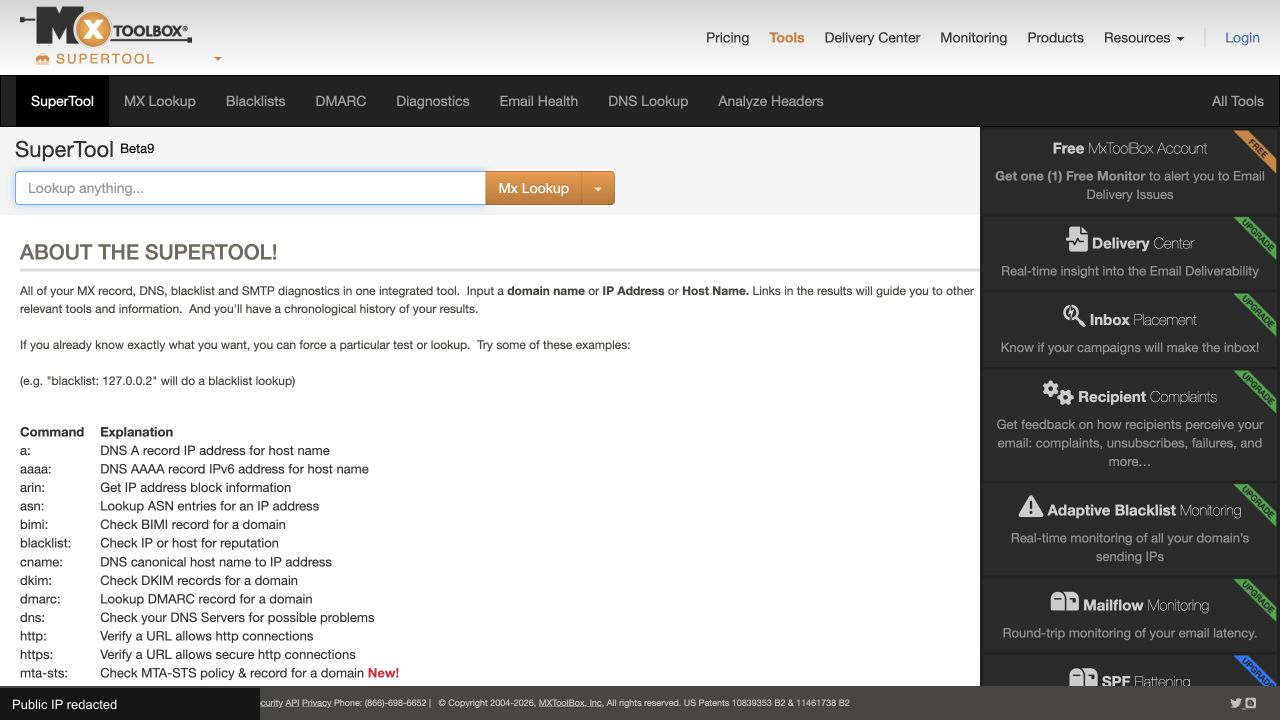
That breadth is why a single replacement is hard to find. Someone who only checks DMARC policy uses a small part of MXToolbox, and the guide to reading an MXToolbox DMARC lookup covers that job on its own. Someone who combines MX lookup, SMTP diagnostics, blacklist evidence, and alerts is using several jobs inside one interface.
MXToolbox's current plan matrix distinguishes free access from paid monitoring and analysis features. Exact limits and packaging can change, so verify the plan again when purchasing. The relevant decision is not whether an alternative has a free page. It is whether the alternative covers the same input, evidence, time model, and follow-up action.
Record the comparison this way before changing tools:
diagnostic_job: <public DNS | authentication | reputation | header | SMTP | monitoring>
input: <domain | hostname | IP | message header | mail endpoint>
evidence_needed: <the fact the operator must establish>
point_in_time_or_monitoring: <lookup | scheduled monitoring>
current_tool: MXToolbox
candidate: <tool name>
verified_gap: <missing evidence or none>
checked_on: 2026-07-27
Palisade for a public email-security baseline
Palisade is the closest fit when the job starts with a domain and the operator needs a broad public view of email authentication and transport-security controls. The Email Security Score checks public DNS evidence across DMARC, SPF, DKIM, BIMI, MX, MTA-STS, and TLS-RPT. The scan does not change the domain.
The focused DMARC checker, DKIM checker, and SPF checker are better when the operator already knows which record needs attention. Use the DKIM checker with the domain and selector for the record you need to examine. Message evidence or a direct DNS query can confirm the exact selector used by a production message.
- Best fit: a domain-level authentication baseline or a focused DMARC, DKIM, or SPF check.
- Input: a public domain.
- Evidence: publicly resolvable records and the checks described on the selected tool page.
- Time model: a point-in-time scan.
- Gap: no live SMTP session, no private mailbox-provider reputation data, and no proof of inbox placement.
The distinction also matters for monitoring. A fresh scan can establish today's public state, but the result does not by itself establish that someone will be alerted if the record changes next week. That requirement belongs in the monitoring row of the decision record.
Google Admin Toolbox for Google Workspace diagnostics
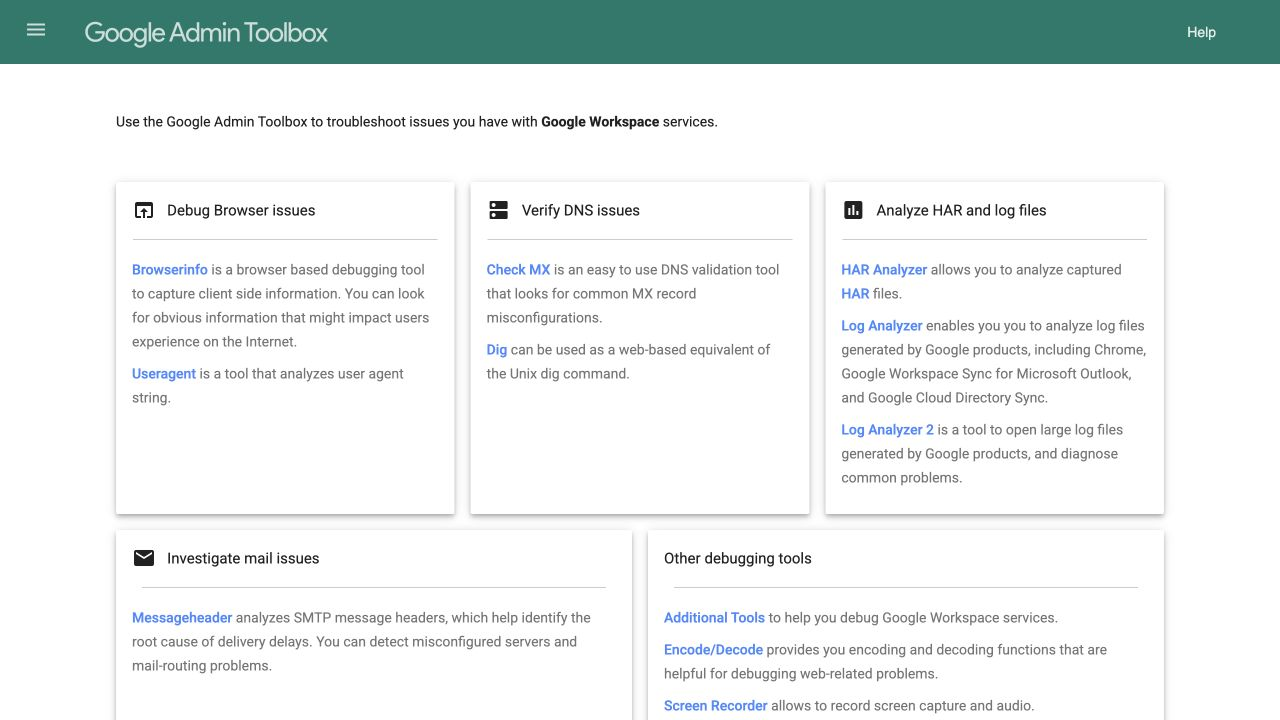
Google Admin Toolbox is the best fit in this set when the evidence is tied to Google Workspace or Gmail administration. Google's MX setup guidance directs administrators to Admin Toolbox Dig to check published MX records, while Gmail's header-tracing guidance directs them to Messageheader. Those utilities support different parts of a Google-focused investigation: DNS answers and the path recorded in a message header.
- Best fit: a Google Workspace administrator checking published MX records or reading a Gmail message header.
- Input: a domain, DNS name, or copied message header, depending on the selected utility.
- Evidence: the output of the named Google diagnostic.
- Time model: a point-in-time check.
- Gap: the directory does not establish a cross-vendor monitoring replacement for MXToolbox.
Provider-specific evidence can be more useful than a broad checker when the provider owns the receiving system. That does not make it universally stronger. It means its scope matches the case.
Spamhaus for source-level reputation evidence
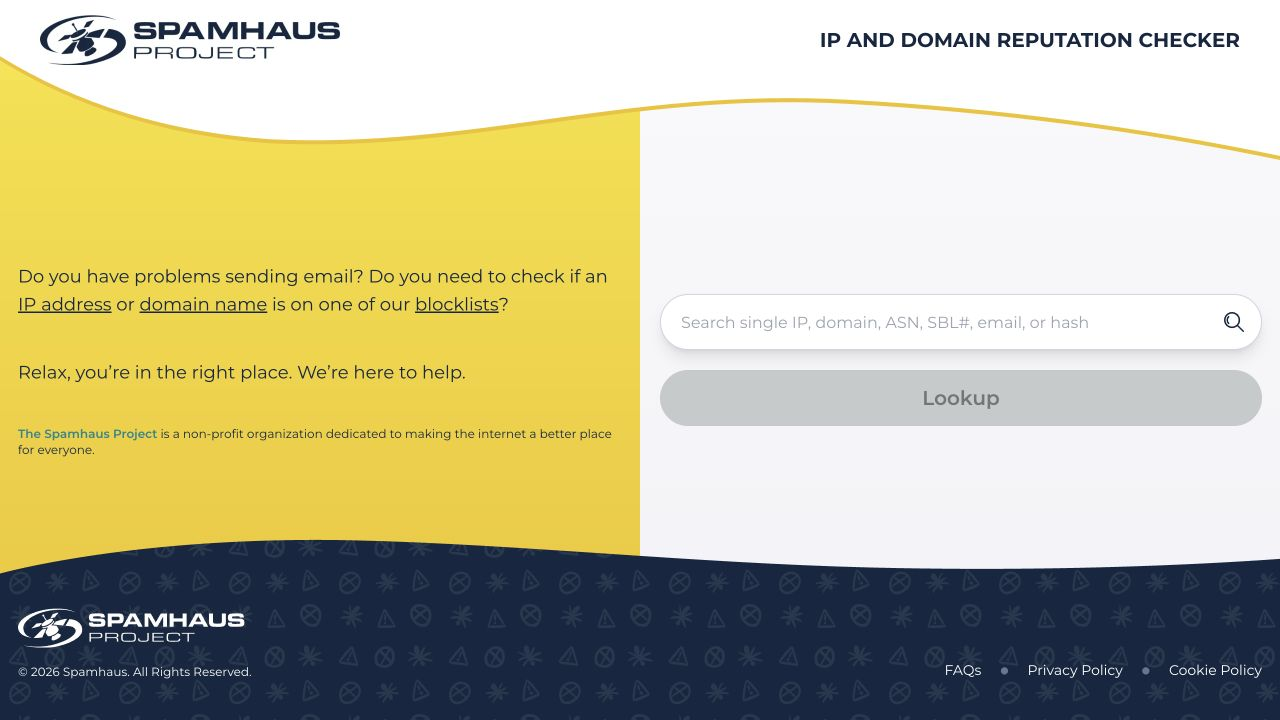
Spamhaus is the focused choice when the operator needs to know whether a domain or IP address appears in Spamhaus data. The Spamhaus reputation checker accepts a domain or IP address and reports results from Spamhaus's own blocklist and reputation systems.
- Best fit: checking a sending source against Spamhaus and following the remediation information associated with that result.
- Input: a public IP address or domain.
- Evidence: Spamhaus's current result for that exact input.
- Time model: a point-in-time lookup.
- Gap: the result does not represent every public blocklist or a mailbox provider's private reputation model.
The same rule applies when comparing it with MXToolbox. MXToolbox can aggregate several reputation checks into one workflow. Spamhaus is authoritative for Spamhaus data, but it does not claim to reproduce every other list or every part of MXToolbox.
Where MXToolbox still has the better task fit
Keep MXToolbox in the workflow when its integrated command set is the capability you actually use. The strongest examples are live SMTP diagnostics, a sequence of mixed DNS and network checks, and MXToolbox's own monitoring or alerting functions.
- Live SMTP behavior: a public DNS scan can show the MX record, but it cannot replace a network test that connects to the mail service and reports observed SMTP behavior.
- Mixed investigations: SuperTool can move among MX, DNS, blacklist, SMTP, SPF, DKIM, and DMARC commands without changing products.
- Scheduled monitoring: a one-time lookup cannot satisfy a requirement to check again later and notify an owner.
- Broad reputation triage: one specialist source answers only for its own data. Broader triage may need several sources.
If the unresolved requirement is recurring DMARC aggregate-report processing, sender ownership, and policy progression, leave this diagnostic comparison and use the managed-platform /compare page. That is a different purchase with a different evidence model.
How to choose
1. Name the evidence
Write the question in a form that can be answered. "Is email broken?" is too broad. "What DMARC policy is published?", "Does this IP appear in Spamhaus?", "What route does this header show?", and "Does the MX endpoint answer on SMTP?" each point to a different tool.
Record the exact input beside the question. This prevents a clean domain result from being mistaken for a clean sending IP, or a DNS answer from being mistaken for a successful network connection.
2. Decide whether the answer must persist
A point-in-time lookup is enough for a repair check when an operator can run it before and after a change. Monitoring is required when the team needs scheduled checks, history, ownership, or alerts without starting each lookup manually.
Do not score a free lookup as equivalent to monitoring. Also do not buy monitoring for a task that only needs one authoritative answer. The time model should follow the operating requirement.
3. Run the same test
Use one known domain, IP, header, or endpoint across the candidates that accept that input. Save the query, date, result, and next action. For record checks, compare the output with an authoritative DNS answer. For reputation checks, record the source by name. For SMTP tests, preserve the observed response without treating it as a delivery guarantee.
The test should expose a useful difference. If two tools both display the same DMARC record, compare interpretation and repair guidance. If one tool does not accept the required input, mark it out of scope rather than weak.
4. Keep the gaps visible
Choose the smallest tool set that covers the required evidence and follow-up work. Keep a gap column for live SMTP, private provider data, monitoring, history, alerts, exports, and commercial requirements. Mark untested items unknown.
For an MSP, repeat the exercise with ownership in mind. The result must tell a technician what to do, but the service also needs a way to assign the action, preserve evidence, and show the client what changed. A useful lookup can still be a poor operating system.
If the missing job is recurring sender inventory and staged DMARC remediation, Palisade's DMARC Agent remediation guide explains how aggregate-report evidence becomes prioritized work and how policy progression is proposed for human review. It does not replace client authorization, sender-owner decisions, or operator control of external DNS changes. Start with Palisade when that ongoing operating workflow, rather than a one-time lookup, is the unresolved requirement.
Evidence
Sources and further reading
Questions readers ask
Frequently asked questions
What is the best MXToolbox alternative?
The best alternative depends on the job. Use Palisade for a public email-authentication baseline, Google Admin Toolbox for Google Workspace DNS or header investigation, and Spamhaus for Spamhaus reputation evidence. Keep MXToolbox or another verified specialist when the job requires live SMTP diagnostics or scheduled monitoring.
What replaces MXToolbox SuperTool?
No tool in this comparison replaces every SuperTool command in one interface. Use a combination of focused tools for authentication, Google-specific evidence, and Spamhaus reputation, or retain MXToolbox when a mixed DNS, blacklist, and live SMTP workflow is the requirement.
Is there an MXToolbox alternative with a public API?
This comparison does not establish a no-signup public API replacement. Verify a candidate's current API documentation, authentication method, rate limits, data scope, and commercial terms before treating a browser-based lookup as an automation interface.
Is MXToolbox free?
Yes. MXToolbox provides free lookup access and also publishes paid plans for monitoring and analysis features. Because limits and packaging can change, check the current MXToolbox plan matrix for the exact boundary that applies to your intended use.
Which MXToolbox alternative checks SPF, DKIM, and DMARC?
Palisade's Email Security Score checks several public email-security controls from one domain, including SPF, DKIM, and DMARC. Its focused checkers are more direct when you are repairing one protocol. These are point-in-time public checks, not SMTP tests or private reputation reports.
Can Palisade replace MXToolbox SMTP diagnostics?
No. Palisade's public-domain tools inspect published email-security controls. They do not replace a live SMTP session to a mail endpoint. Keep MXToolbox or another SMTP diagnostic tool when connection and server-response evidence is the job.
Should an MSP use one tool or several?
Usually several. An MSP should not assume one tool can cover distinct authentication, reputation, header, SMTP, and monitoring jobs. Use the smallest set that supplies the required evidence, then retain ownership and findings outside the lookup itself.

Written by
Taylor TabusaCo-Founder & Head of Business Development, Palisade
Taylor Tabusa is the co-founder and Head of Business Development at Palisade, helping managed service providers turn email security into a practical, valuable service.
More from Taylor →