What is a computer worm and how does it spread?
 ChatGPT
 Claude
 Gemini
 Perplexity
 Grok
GrokIn brief
A computer worm is a self-replicating piece of malicious software that spreads without needing to attach to a host file.
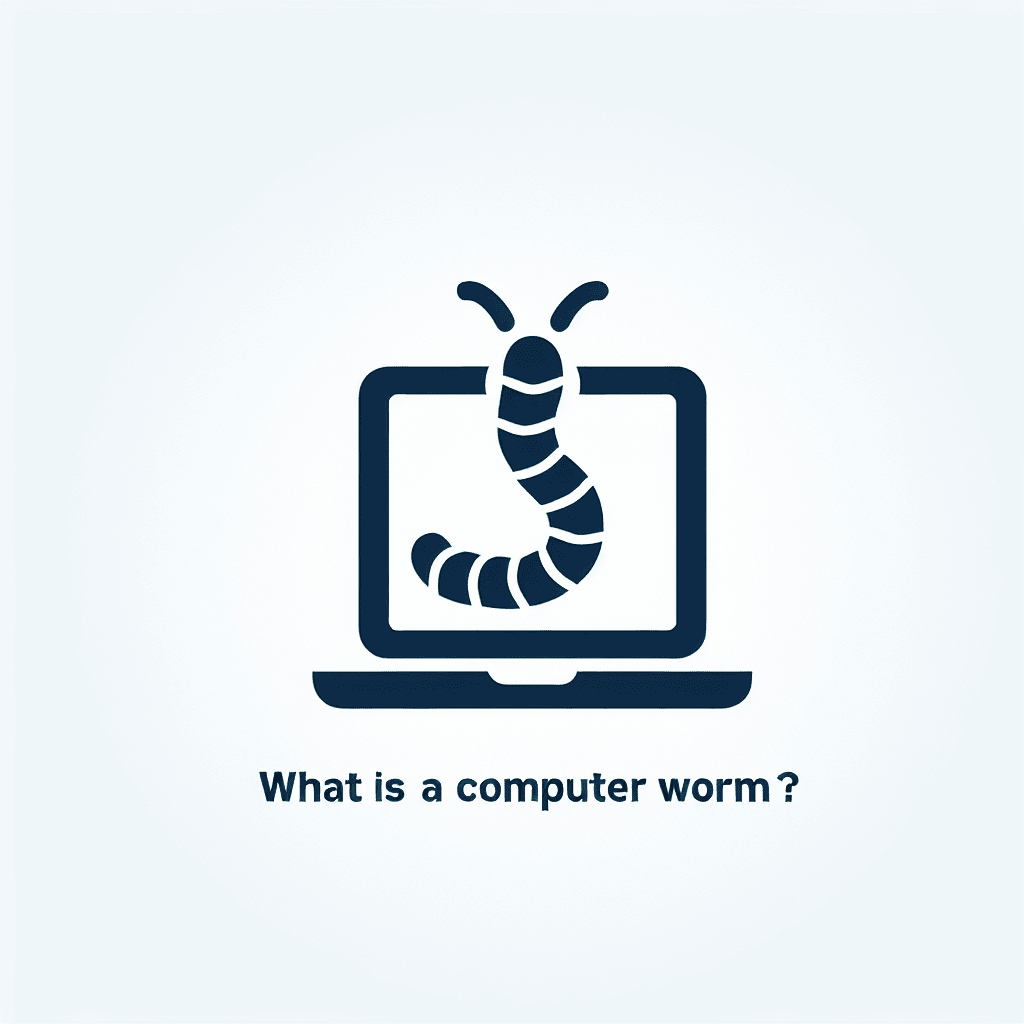
What is a computer worm?
A computer worm is a self-replicating piece of malicious software that spreads without needing to attach to a host file. It exploits vulnerabilities in operating systems or applications, copying itself to other devices across a network or via removable media.
How do worms spread?
Worms can travel through email attachments, infected USB drives, network shares, or by exploiting software flaws. Once a system is compromised, the worm scans for other vulnerable machines and replicates automatically.
What are common types of computer worms?
- Email worms – spread via contact lists in malicious emails.
- File-sharing worms – disguise themselves as media files and target industrial networks.
- Cryptoworms – encrypt data and demand ransom.
- Internet worms – target poorly secured websites and infect visitors.
- Instant-messaging worms – use chat links or attachments to propagate.
How can I spot a worm infection?
Typical signs include a noticeably slower computer, frequent browser redirects to unknown sites, trouble shutting down, excessive pop-up ads, unexpected outbound emails, and missing or unfamiliar files.
What steps help prevent worm infections?
Implement firewalls to filter traffic, keep reputable antivirus software up-to-date, avoid clicking unknown links or downloading suspicious files, and use encryption to protect data in transit.
How should I contain a worm outbreak?
Immediately disconnect the affected device from the internet, delete unknown files, run a disk cleanup, and change passwords for all critical accounts.
What is the best way to remove a worm?
In many cases you’ll need to reformat the system and reinstall software. Before doing so, back up clean data, scan multiple times with trusted antivirus tools, and reinstall the OS from a trusted source.
How does a worm differ from a virus?
VirusWormAttaches to a host file and needs user action to spread.Self-replicates across networks without a host.Primarily alters or corrupts data.Consumes bandwidth and system resources, often causing slowdowns.Depends on a host program.Can spread independently.
Final takeaways
- Worms are autonomous malware that replicate without user interaction.
- Common infection vectors: email, USB, network vulnerabilities.
- Look for performance issues, unexpected redirects, and strange files.
- Use firewalls, up-to-date antivirus, and encryption to defend.
- Contain quickly by isolating the device and changing passwords.
- Removal may require a full system reformat.
Related security tools
Boost your overall email protection with Palisade’s DMARC email authentication score, explore BIMI brand indicator, enable DKIM signing, and configure proper SPF records for a stronger defense.
At a glance
Quick Takeaways
- Self-replicating malware that spreads without host files.
- Exploits OS and application vulnerabilities.
- Signs: slow performance, pop-ups, unexpected redirects.
- Prevention: firewalls, antivirus, cautious downloading.
- Containment: disconnect, clean, change passwords.
- Removal often needs OS reinstallation.
Related reading
Questions readers ask
FAQs

Written by
Samuel ChenardCEO & Co-Founder, Palisade
Samuel Chenard is the CEO and co-founder of Palisade, AI-first DMARC software for IT teams and MSPs, from one domain to thousands.
More from Samuel →