What is the new Viewer role on the Palisade platform?
 ChatGPT
 Claude
 Gemini
 Perplexity
 Grok
GrokIn brief
Learn how Palisade’s new Viewer Role gives MSPs a secure, read-only view of domain data, boosting transparency without risking configuration changes.
The Viewer Role on the Palisade platform provides a read-only window into domain activity. It’s built for Managed Service Providers (MSPs) who need to show customers a high-level overview without allowing any configuration changes.

Who can use the Viewer Role?
MSPs can assign the role at both the Domain Group and individual Domain levels. A Group-level Viewer automatically inherits permissions for any new domains added to that group.
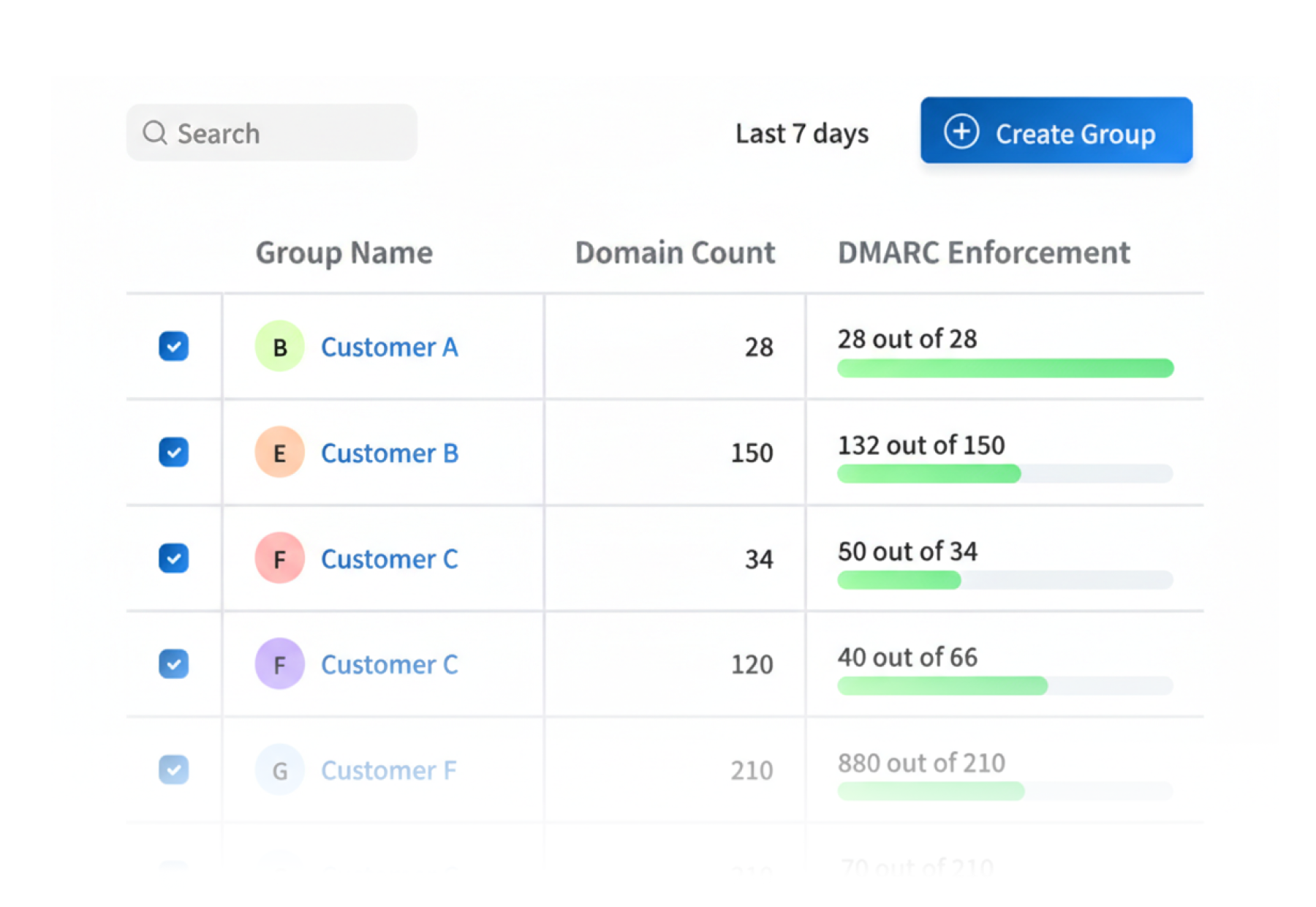
Where do you assign the Viewer Role?
You can add Viewers from the Domain Management, Domain Group Management, or User Management pages within Palisade.
What can Viewers see?
What can Viewers NOT do?
At a glance
Quick Takeaways
Questions readers ask
Frequently Asked Questions

Written by
Taylor TabusaCo-Founder & Head of Business Development, Palisade
Taylor Tabusa is the co-founder and Head of Business Development at Palisade, helping managed service providers turn email security into a practical, valuable service.
More from Taylor →