What To Do If You Clicked on a Phishing Link?
 ChatGPT
 Claude
 Gemini
 Perplexity
 Grok
GrokIn brief
Clicked a phishing link? Here's exactly what to do: disconnect, scan, change passwords, report it, and lock down your accounts.
Clicked a phishing link? Don't panic, and don't assume the worst has already happened. A click by itself rarely hands over an account. Most phishing pages still need you to do something: type a password, approve a login prompt, download a file, or scan a QR code. This guide walks through exactly what to do next, how to gauge the real damage, and how to lock everything down so the same link can't hurt you twice.
First, gauge what actually happened
The right response depends on how far you went. Ask yourself:
- Did you only click, then close the page? The risk is low. Scan your device (below) and move on. No page that merely loaded can usually steal an account on its own.
- Did you enter a password, card number, or one-time code? Treat that credential as compromised and change it immediately.
- Did you download or open a file, or approve an install or login prompt? Assume malware or account access is possible and follow every step below.
Immediate actions to take
Quick action limits the damage. Work through these in order:
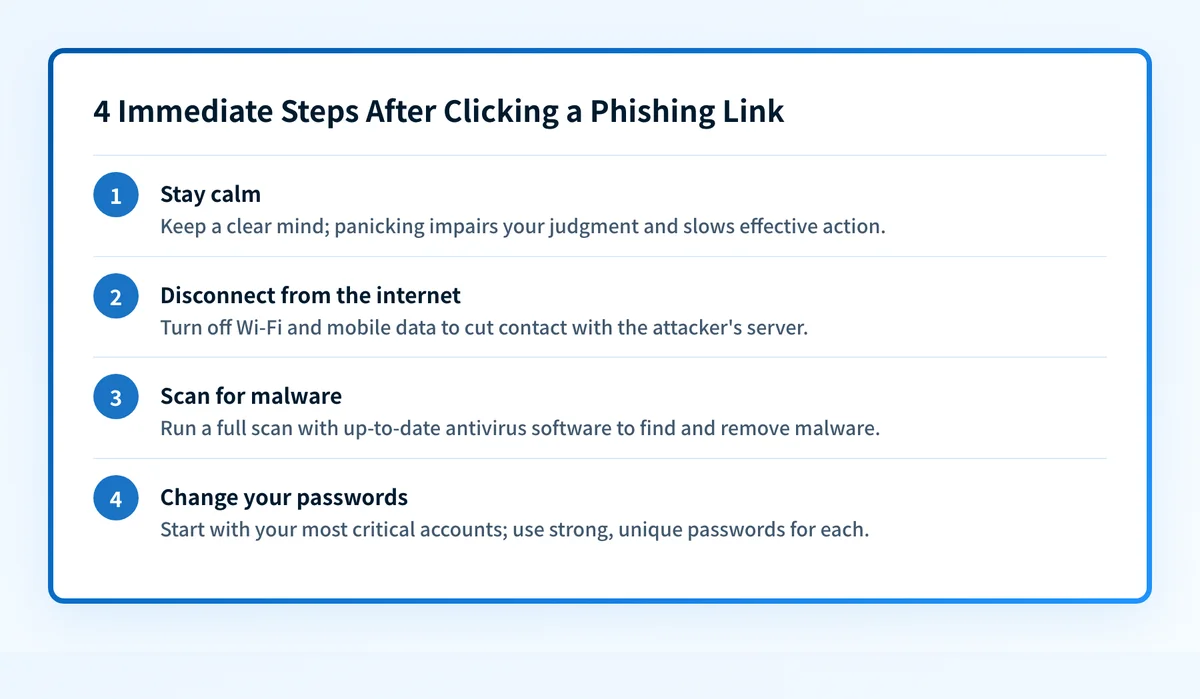 Quick action after clicking a phishing link minimizes potential harm.
- Stay calm. Panic leads to mistakes, like entering credentials on another fake page. Slow down and work the list.
- Disconnect from the internet. Turn off Wi-Fi and disable mobile data. If a download started or malware is trying to phone home, cutting the connection stops it from sending data or pulling down a second payload.
- Scan for malware. Run a full scan with up-to-date antivirus or endpoint software. Make sure the definitions are current first, an outdated scanner misses new threats. Remove anything it flags, then reconnect.
- Change exposed passwords. If you typed a password anywhere, change it, and change it on every other account where you reused it. Open the real site by typing the address or using a bookmark, never by clicking a link in the suspicious message. Use a strong, unique password for each account.
Report the phishing attempt
Reporting protects other people and helps get the campaign shut down. Take a few minutes to:
- Notify the impersonated organization. If the message posed as your bank, employer, or a brand like PayPal, contact their official fraud or support channel and share the details. Many run dedicated abuse inboxes.
- Report to the authorities. In the US, report to the FTC at ReportFraud.ftc.gov, and forward phishing emails to the Anti-Phishing Working Group at reportphishing@apwg.org. Forward smishing (text) attempts to SPAM (7726). Other countries have equivalent national reporting portals.
- If you shared financial or identity data, go to IdentityTheft.gov for a recovery plan, and call your bank or card issuer to flag the account.
- Warn your circle. Tell colleagues, family, or your IT team about the specific lure so they recognize it if it lands in their inbox next.
Secure your accounts
Once the immediate fire is out, close the doors an attacker might still use:
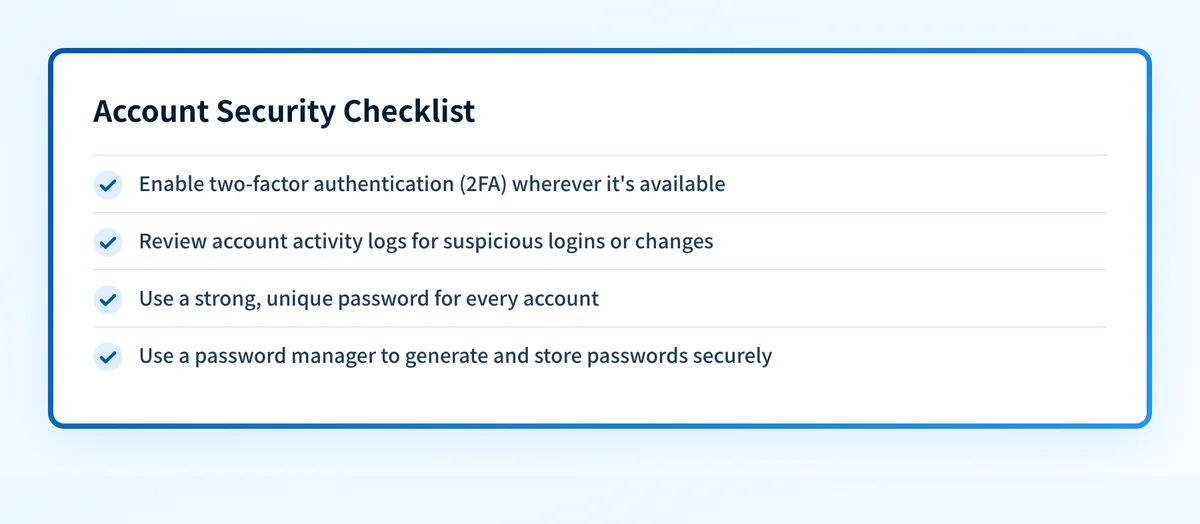 Secure your accounts after a phishing click to prevent further compromises.
- Turn on two-factor authentication (2FA). Add a second verification step to every account that supports it, prioritizing email, banking, and any account whose password you may have exposed. App-based or hardware-key 2FA is stronger than SMS codes, which attackers can intercept.
- Review recent activity. Check login history and account settings for unfamiliar devices, sessions, forwarding rules, or changed recovery details. Sign out all other sessions and remove devices you don't recognize.
- Use unique passwords everywhere. Reuse is what turns one stolen password into ten breached accounts. A password manager generates and stores a distinct password for each login so you never have to reuse one.
- Watch for follow-on scams. After a successful phish, attackers often return posing as "support" offering to help. Verify any such contact independently.
Protect yourself from future attacks
Prevention is cheaper than cleanup. To reduce your exposure to phishing attacks and the social engineering behind them:
- Inspect links before clicking. Hover to see the real destination, and be wary of lookalike domains and shortened URLs. You can test a suspicious address with the phishing link checker or URL reputation tool before you open it.
- Slow down on urgency. "Your account will be closed in one hour" is a manipulation tactic. Legitimate organizations give you time and a way to verify.
- Keep software patched. Update your operating system, browser, and security tools promptly, patches close the holes malware exploits.
- Back up your data. Regular backups mean a ransomware infection or wiped device is an inconvenience, not a catastrophe.
- Lock down your own domain. If you run a business, publishing DMARC at enforcement stops criminals from spoofing your domain to phish your customers. Check your setup with the Email Security Score.
Conclusion
If you've clicked a phishing link, stay calm and work the steps in order: figure out how far you went, disconnect, scan, change any exposed passwords, and report the attempt. Then secure your accounts with 2FA and unique passwords, and tighten your habits so the next lure doesn't land. A click is a warning, not a defeat. Act quickly and you'll usually come away with nothing worse than a lesson.
Questions readers ask
Frequently asked questions
Is my computer infected just because I clicked a link?
Usually not. Opening a link typically just loads a web page, which on an updated device rarely installs anything on its own. Infection normally requires a further step, downloading and opening a file, or approving an install prompt. Run a full malware scan to be sure, but a single click with no follow-up action is low risk.
I entered my password on a fake page. What now?
Treat it as compromised immediately. Change that password on the real site (typed or bookmarked, never via the email link), change it anywhere you reused it, and enable 2FA on the account. Then review the account's recent activity and sign out other sessions in case someone already logged in.
Should I report a phishing link if I didn't fall for it?
Yes. Reporting helps providers and authorities take the malicious site down and warn others before someone else is caught. Forward the email to reportphishing@apwg.org and report the scam to the FTC at ReportFraud.ftc.gov. It takes a minute and it protects people beyond you.
Can clicking a phishing link steal my password without me typing anything?
Rarely, and only if your device is unpatched enough for a "drive-by" exploit, or the link triggers a login prompt you approve. This is exactly why keeping software updated and pausing before you approve any prompt matters. If you clicked but entered nothing and approved nothing, scan your device and you're most likely fine.
How do I tell a phishing link from a real one?
Look at the actual domain, not the display text: attackers use lookalikes (paypa1.com), extra subdomains (paypal.secure-login.com), or shortened links that hide the destination. Hover to preview the URL, and when a message pressures you to act fast, treat that as a red flag and verify through the organization's official site.

Written by
Ian BussieresCTO & Co-Founder, Palisade
Ian Bussieres is the CTO and co-founder of Palisade, agentic DMARC software for IT teams and MSPs.
More from Ian →