How do I get a Blue Gmail Checkmark?
 ChatGPT
 Claude
 Gemini
 Perplexity
 Grok
GrokIn brief
Get the blue Gmail checkmark: set up DMARC enforcement, a BIMI record, and a Verified Mark Certificate so Gmail shows your brand as verified.

Understanding Gmail's Blue Checkmark
Detailed explanation of what a blue Gmail checkmark is
In the world of email communication, credibility and trustworthiness play a crucial role. We often receive numerous emails every day, and distinguishing between legitimate messages and spam or phishing attempts can be a challenge. To address this issue, Gmail has introduced a blue checkmark, which serves as a visual indicator to help users identify verified senders.
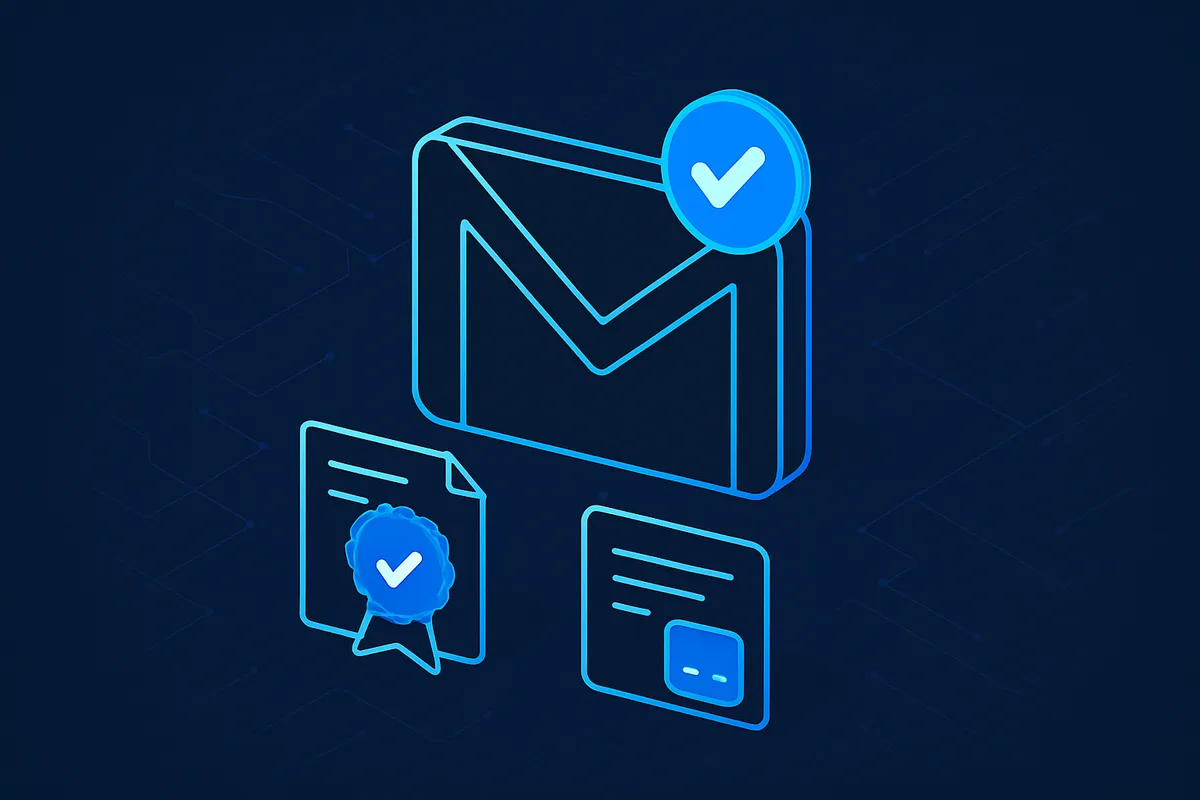
The blue checkmark is a small badge that appears next to the sender's name in the Gmail interface. It signifies that the email is sent from a verified source, such as a recognized brand or organization. This checkmark provides an added layer of authenticity and reassurance, giving recipients confidence in the legitimacy of the email.
Importance of the blue Gmail checkmark
The blue Gmail checkmark holds significant value for both senders and recipients. For senders, it represents an opportunity to enhance their brand recognition and establish trust with their audience. When the blue checkmark accompanies their emails, it serves as a visual cue that their organization is verified and reliable.
For recipients, the blue checkmark serves as a valuable signal to quickly identify legitimate emails and protect against potential phishing attacks. By having this assurance, users can confidently engage with messages from verified senders, knowing that they come from trustworthy sources.
Steps to Set Up BIMI in Gmail
To obtain the coveted blue Gmail checkmark, you need to leverage BIMI (Brand Indicators for Message Identification) on your Gmail accounts. BIMI allows your brand to display your logo next to your emails, further solidifying your authenticity and trustworthiness. Along with displaying your brand logo on your emails, you will receive the blue Gmail checkmark.
Here's a step-by-step guide on setting up BIMI in Gmail:
Prepare to Set Up BIMI in Gmail
Before diving into the BIMI setup process, you'll need a few things in place:
Create and Upload Your Brand Logo
To display your brand logo alongside your emails, follow these steps:
Obtain Your Verified Mark Certificate (VMC)
The Verified Mark Certificate (VMC) is an essential component of BIMI. It adds an extra layer of legitimacy to the display of your brand logo. Follow these steps to acquire your VMC:
Add a BIMI TXT Record to Your Domain
To complete the BIMI setup process, you'll need to add a BIMI TXT record to your domain. Here's how:
Significance of the Blue Checkmark
Trust and credibility associated with the blue checkmark
The blue Gmail checkmark carries immense trust and credibility. By displaying this mark, organizations can enhance their reputation and assure recipients of their legitimacy. This mark acts as a powerful signal, indicating that the email comes from a verified source.
Impact on email communication and professional correspondence
Email communication forms a crucial aspect of professional correspondence. The presence of the blue checkmark brings added professionalism and authenticity to your emails. It establishes your organization as a trusted entity and increases the chances of your emails being read and responded to promptly.
How the blue checkmark helps in identifying legitimate emails
In an era of increasing online threats, identifying legitimate emails becomes vital. The blue checkmark serves as an indicator of trustworthiness, allowing recipients to identify verified senders at a glance. This verification helps safeguard users against potential scams and phishing attempts.
Contribution of the blue checkmark to online security
Online security is a growing concern, and the blue Gmail checkmark plays a crucial role in addressing it. By enabling users to quickly differentiate between verified and unverified senders, Gmail helps protect its users from potential cyber threats. It fosters a safer environment for email communication and minimizes the risk of falling victim to malicious activities.
Conclusion
Recap of the importance and role of the blue Gmail checkmark
The blue Gmail checkmark is a valuable asset for both senders and recipients. It signifies trust, authenticity, and professionalism, making it easier to identify legitimate emails. By leveraging BIMI and following the necessary steps, organizations can enhance their brand recognition and establish credibility in their email communications.
Encouragement for the readers to ensure they are communicating with verified sources
In today's digital landscape, it's crucial to exercise caution and verify the authenticity of email senders. By paying attention to the blue Gmail checkmark, recipients can ensure they are interacting with verified sources. This simple visual cue can help prevent potential security breaches and maintain a safer email environment.
At GetVerified.Email, we understand that navigating the technical aspects of BIMI implementation can be complex. We're here to assist you in assessing where you are in the process and determining the next steps you need to take. Fill out our 2-minute questionnaire here to get started and unlock the benefits of the blue Gmail checkmark. Trust and credibility are just a few steps away!
Related reading

Written by
Taylor TabusaCo-Founder & Head of Business Development, Palisade
Taylor Tabusa is the co-founder and Head of Business Development at Palisade, helping managed service providers turn email security into a practical, valuable service.
More from Taylor →